This page contains affiliate links. If you purchase through them we may earn a small commission at no extra cost to you. Learn more
SEG Export Payments Not Showing? Troubleshooting Guide

The Smart Export Guarantee (SEG) is the UK government scheme that requires licensed energy suppliers to pay solar households for the electricity they export to the grid. If those payments are not appearing on your bill, it is frustrating — but the cause is almost always one of a handful of fixable issues. Work through this checklist.
1. Is your SEG registration actually complete?
Signing up for a SEG tariff and being registered to receive payments are not always the same moment. After you apply, your supplier needs to:
- Verify your MCS certificate (the installation quality certification from your installer)
- Set up your export MPAN (see below)
- Confirm your metering arrangements
This process typically takes four to eight weeks, and some suppliers take longer. If you applied recently, check your emails for a confirmation letter or log into your supplier's account portal to see the status of your SEG application. If you cannot find any confirmation, call your supplier directly and ask for the status — have your MCS certificate number to hand.
2. Do you have a SMETS2 smart meter?
A SMETS2 smart meter is the second-generation smart meter that can send half-hourly readings directly to your supplier. For SEG, a smart meter makes a meaningful difference to how your export is calculated.
With a SMETS2 smart meter: your supplier receives actual export readings, so you are paid for exactly what you exported.
Without a smart meter (or with an older SMETS1 meter): many suppliers fall back to a method called "deemed export." This assumes you export 50% of everything your system generates, regardless of what you actually use. Your payment is then calculated on that estimated figure rather than real readings.
The deemed export method often results in lower payments than actual export, and it also means your supplier may be waiting for a meter read before they can calculate anything at all. If you do not yet have a smart meter, contact your supplier and ask to have one installed — it is free, and you should be prioritised as a solar household.
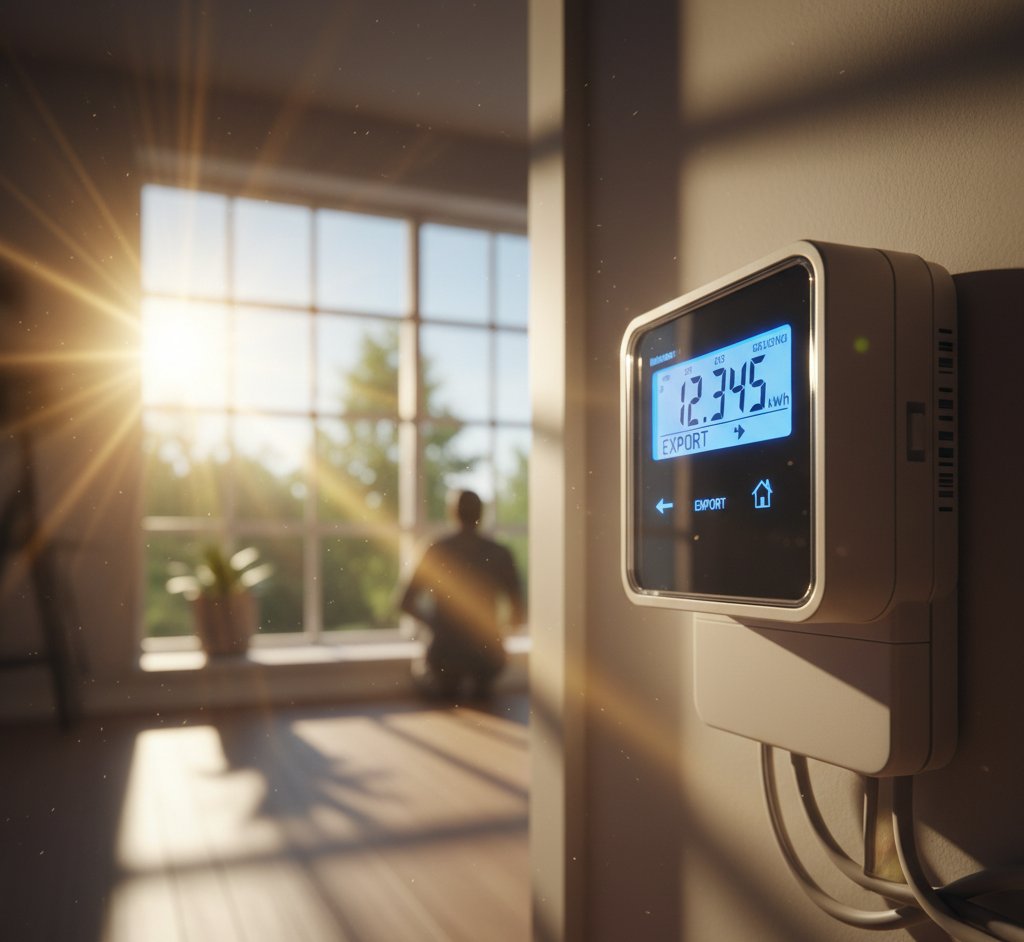
Check for an export reading on your in-home display
If you have a smart meter, your in-home display (the small portable screen that came with it) should show both your import and export figures. Look for a button or menu option labelled "export" or showing energy flowing in the opposite direction. If your display only ever shows import, there may be a metering configuration issue worth raising with your supplier.
3. Is your export MPAN set up?
Every property in the UK has an import MPAN (Meter Point Administration Number) — the unique identifier for your electricity connection. When you install solar, you should also be assigned an export MPAN, which allows your supplier to track what you send back to the grid.
Your installer should have registered your export MPAN with your DNO (Distribution Network Operator — the company that owns the cables and substations in your area, separate from your energy supplier) as part of the G98 or G99 notification process. If this step was skipped or not completed, your supplier has no mechanism to record your exports.
To check: call your energy supplier and ask whether an export MPAN is recorded on your account. If they say no, contact your DNO directly — you can find yours at energynetworks.org. Explain that you have a solar system and need an export MPAN registered. Your MCS certificate number and the date of installation will help.
4. Is your smart meter actually sending export data?
Smart meters can be installed and working for import but misconfigured for export. This is more common than it should be, particularly with installations done before smart meter communications were fully mature.
Signs that your export data is not being sent:
- Your online account or app shows generation (if you have a monitoring system) but no export figures
- Your supplier cannot tell you how many kWh you have exported when you call
- Your bill shows no SEG credit line even after the registration period has passed
If you suspect this, ask your supplier to check whether they are receiving half-hourly export data. They may need to send a meter engineer to reconfigure the meter, or in some cases replace it.
5. Are you looking in the right place on your bill?
SEG payments are not always shown as a straightforward credit line. Depending on your supplier, they may appear as:
- A credit labelled "solar export" or "SEG payment"
- A line item reducing your total amount due
- A separate payment into your bank account
- A credit to your account balance rather than a direct payment
Also, many suppliers pay SEG quarterly rather than monthly. If you are only a few months in, you may simply be waiting for the end of the quarter. Check your supplier's SEG terms to confirm the payment frequency.
6. Did you recently switch energy supplier?
This is one of the most common reasons SEG payments disappear without warning. When you switch to a new energy supplier, your SEG contract does not automatically transfer. You need to actively sign up for a SEG tariff with your new supplier.
The good news: switching supplier gives you a chance to shop around for a better SEG rate. SEG tariffs vary significantly between suppliers. You can compare current rates and sign up via your new supplier's website — you will need your MCS certificate again.
Check the gap period after switching
There is usually a two to four week gap between leaving your old supplier and being fully set up with the new one. Any export during this period may not be paid. Keep a note of your generation meter reading on the day you switch so you have a baseline for any disputes.
7. Generation meter vs export meter — are you reading the right one?
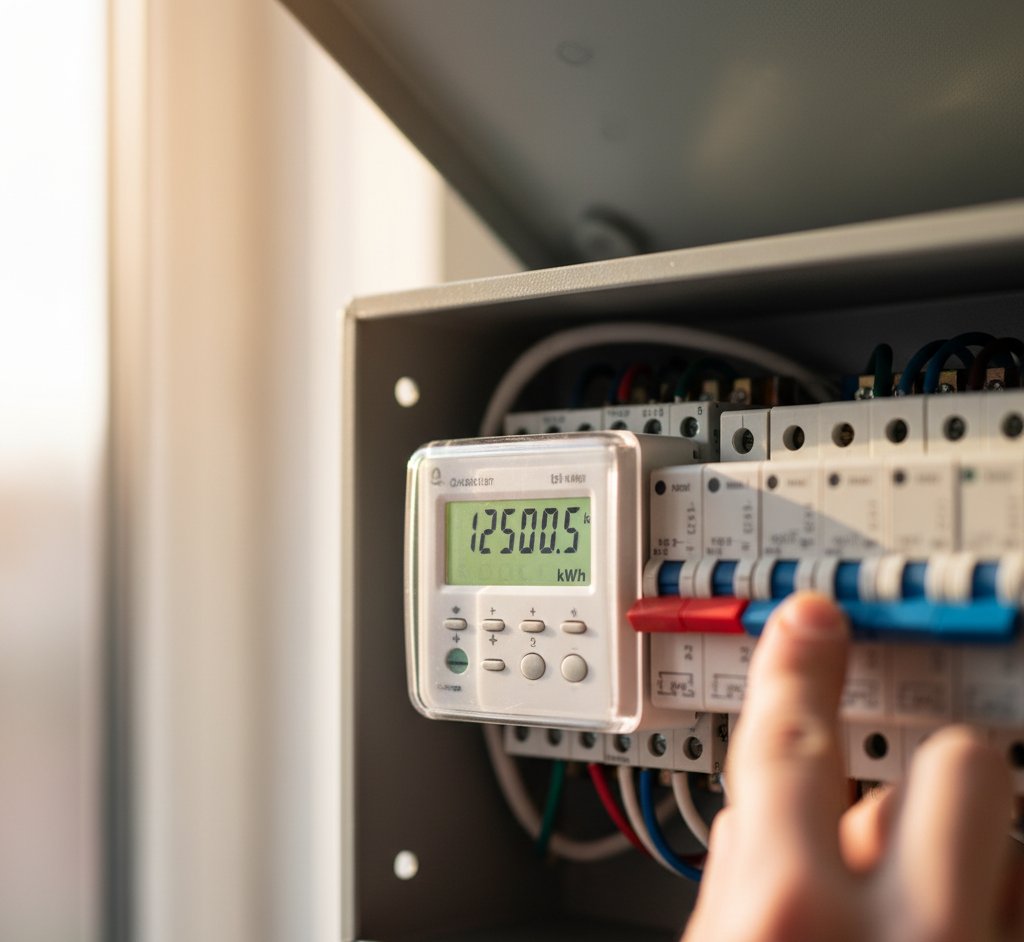
Some households have both a generation meter (which records everything your panels produce) and a separate export meter (which records only what flows back to the grid). Others have a smart meter that handles both.
If your supplier is asking for manual readings, make sure you are reading the export figure — not the generation figure. The two can look similar on older meters. Your installer's commissioning documents should identify which meter is which.
Keep your own record as a backup
Take a photo of your generation and export meter readings on the same day each month. If a billing dispute arises, having a clear contemporaneous record of your readings is enormously helpful. Most suppliers will accept meter photos as evidence.
Still stuck?
If you have worked through this checklist and still cannot identify the problem, your next step is to contact your supplier in writing (email or their online messaging system) and ask them to confirm in writing:
- Whether an export MPAN is registered on your account
- Whether they are receiving export data from your meter
- When your last SEG payment was calculated and for what period
Having the answers in writing creates a clear record if you need to escalate to the Energy Ombudsman, which handles billing disputes for domestic energy customers.
Share this article

OVO has carefully selected trusted teams across the UK to install solar panels and heat pumps. Enjoy the personal touch of a local expert with the peace of mind of a household name.
Affiliate link — we may earn a small commission at no extra cost to you
Stay informed
Get free solar updates direct to your inbox
Related reading
How to Claim Smart Export Guarantee (SEG) Payments
Step-by-step guide to claiming SEG payments for your solar panels in the UK. Which suppliers pay the most, how to register, and common mistakes to avoid.
Smart Export Guarantee (SEG) Explained
How the Smart Export Guarantee works in the UK, which suppliers pay the best SEG rates, and how to maximise your solar export income in 2026.
How to Read Your Solar Generation Meter
How to read your solar generation meter in the UK. Understand what the numbers mean, where to find your meter, and how to track your system's performance.


Switch to Octopus Energy
Get 50 credit when you switch. We get 50 too — win-win.
What does this mean for YOUR home?
Design your perfect solar setup in under 3 minutes. Free, no sign-up required.
Build Your Solar System