This page contains affiliate links. If you purchase through them we may earn a small commission at no extra cost to you. Learn more
How to Read Your Solar Generation Meter
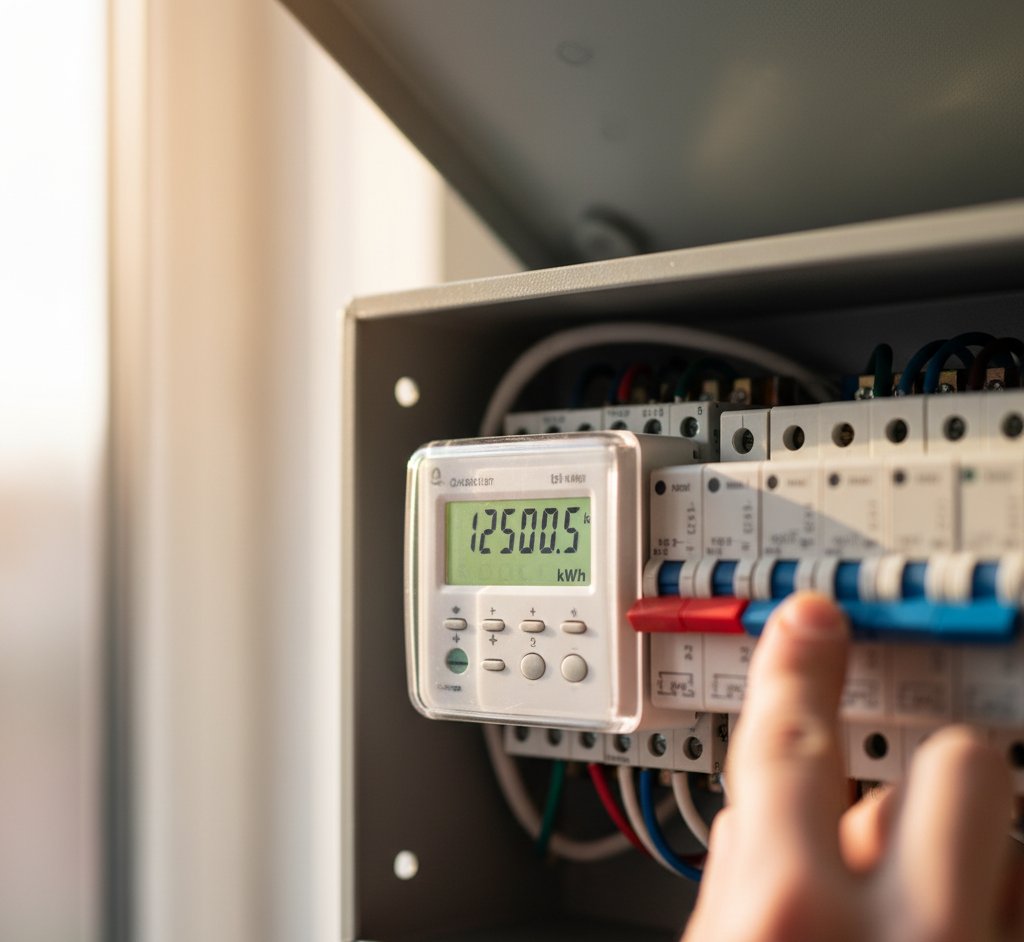
Your solar generation meter measures how much electricity your panels produce. It's separate from your main electricity meter and is your proof of generation for export payments and performance monitoring.
Where to Find Your Generation Meter
Your generation meter is typically located:
- Next to your inverter — in the garage, utility room, or under the stairs
- Near your consumer unit (fuse board) — mounted on the wall nearby
- In a meter cupboard — if your main meters are in a cupboard, the generation meter may be alongside them
It's a small device — usually about the size of a pack of cards — with a digital LCD display. It may be labelled "generation meter," "solar meter," or simply show a kWh reading.
If you can't find it, check your installation paperwork. The MCS certificate or handover documents should describe its location. If all else fails, follow the cable from your inverter — the generation meter is wired into the AC output side.
Reading the Display
Most generation meters show a cumulative total in kilowatt-hours (kWh). This is the total electricity your panels have ever generated since the meter was installed.
Example reading: 12,458.3 kWh
This means your panels have generated 12,458.3 kWh since installation. If your system was installed 3 years ago, that's roughly 4,150 kWh per year — reasonable for a 4kW system.
Multiple Readings
Some meters cycle through several readings if you press a button or wait:
- Total generation (kWh): The main cumulative figure
- Current power (W or kW): Real-time output right now
- Daily generation (kWh): Today's total (some meters only)
The total generation reading is the one you need for performance tracking and export payment submissions.
How to Track Performance
Monthly Reading Method
Take a reading on the same day each month and record it:
| Date | Meter Reading | Monthly Generation |
|---|---|---|
| 1 Jan | 11,200.0 kWh | — |
| 1 Feb | 11,340.0 kWh | 140 kWh |
| 1 Mar | 11,560.0 kWh | 220 kWh |
| 1 Apr | 11,880.0 kWh | 320 kWh |
Subtract last month's reading from this month's reading to get monthly generation.
What's Normal?
Monthly generation varies dramatically by season. For a 4kW system in the Midlands:
| Month | Typical Generation |
|---|---|
| January | 100–150 kWh |
| February | 140–200 kWh |
| March | 250–320 kWh |
| April | 340–420 kWh |
| May | 400–480 kWh |
| June | 420–500 kWh |
| July | 400–480 kWh |
| August | 360–440 kWh |
| September | 280–350 kWh |
| October | 180–250 kWh |
| November | 110–160 kWh |
| December | 80–130 kWh |
If your readings are consistently 20%+ below these ranges, something may be wrong — see the troubleshooting section below.
Use an App or Spreadsheet
Recording meter readings in a simple spreadsheet or app makes it easy to spot trends and compare year-on-year performance. Some solar monitoring platforms (PVOutput, Solar Analytics) let you log manual readings and compare them against expected generation for your location.
Generation Meter vs Smart Meter vs Inverter Reading

You may have multiple sources of generation data:
Generation Meter
Physical meter near the inverter. Shows total generation. Required for some SEG schemes.
Smart Meter
Your main electricity smart meter measures import and export but doesn't directly measure generation. However, generation = import reduction + export, so the data can be derived.
Inverter Display/App
Most modern inverters have built-in monitoring (GivEnergy app, Solis Cloud, etc.) that shows generation in real time and historically. This is usually the most convenient source.
Which to trust? They may show slightly different numbers because of conversion losses and measurement tolerances. The generation meter is the official figure for SEG claims. The inverter app is the most convenient for day-to-day monitoring.

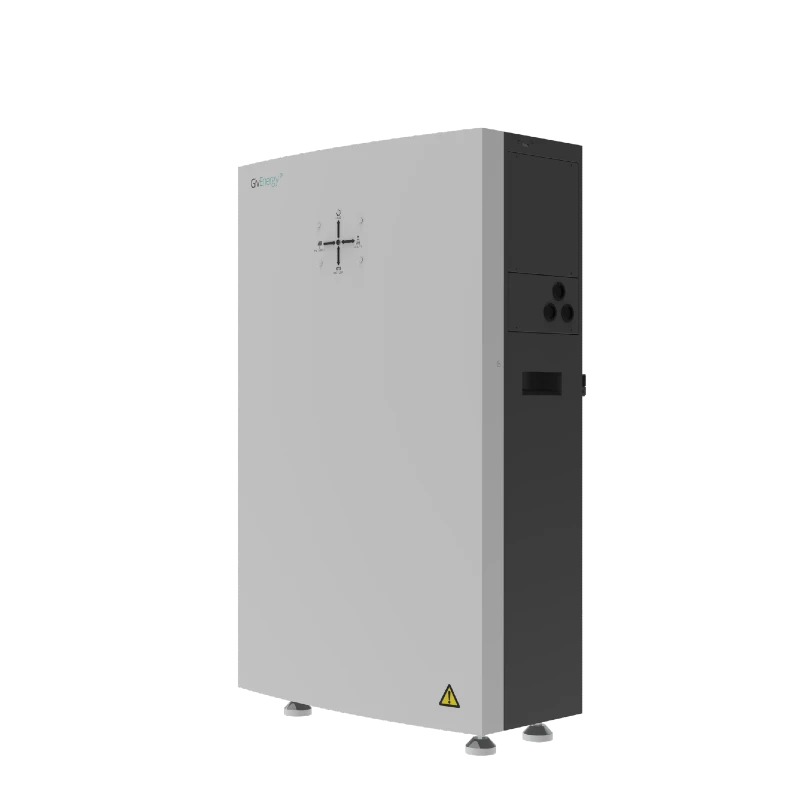
GivEnergy All-in-One 9.5kWh Battery
£5,5009.5
8.6
LFP
6000
Affiliate link — we may earn a small commission at no extra cost to you
Submitting Readings for SEG Payments
If you're on a Smart Export Guarantee tariff, you may need to submit generation meter readings for export payment calculation. The process depends on your energy supplier:
- Octopus Energy: Usually uses smart meter export data — no manual submission needed
- Other suppliers: May require quarterly or annual generation meter readings submitted online or by phone
Check your SEG contract for the specific requirements. See our claiming SEG payments guide for full details.
Never Submit False Readings
Submitting inflated generation meter readings to claim higher SEG payments is fraud. Generation meters can be audited, and discrepancies between generation and export readings are detectable. Always submit accurate readings.
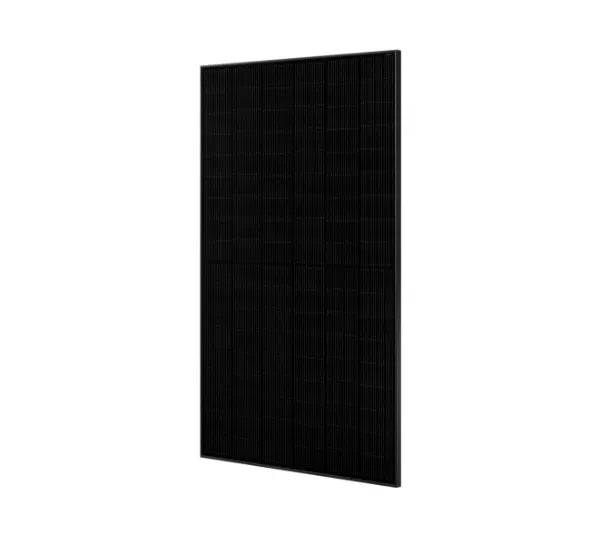
JA Solar JAM54D41 450W N-type TOPCon
£82450
22.8
1722 x 1134 x 30
21.5
Affiliate link — we may earn a small commission at no extra cost to you
Troubleshooting Low Readings
If your generation is consistently below expectations:
Quick Checks
- Is the inverter on? Check the display or indicator lights. An off inverter means zero generation.
- Is there an error code? Inverters display fault codes — check the manual or manufacturer's website.
- Are panels dirty or shaded? New tree growth, building work, or accumulated dirt can reduce output.
- Has the weather been unusually poor? Compare your reading against the national average for the period.
Deeper Investigation
- Compare with neighbour's systems — if available, significant differences suggest a problem with your specific system
- Check inverter logs — most inverters record daily generation and can show patterns
- Check individual string performance — if you have multiple strings, uneven output suggests a panel or wiring issue
- Call your installer — if generation is 30%+ below expectations with no obvious cause, professional investigation is warranted
Do All Systems Have a Generation Meter?
Not necessarily. The requirement depends on when your system was installed and whether you're claiming export payments:
- Feed-in Tariff systems (pre-2019): All have generation meters — required for FiT payments
- SEG systems (2019+): May have a generation meter, or may rely on smart meter export data
- Self-consumption only (no export scheme): May not have a separate generation meter if the inverter provides monitoring
If you don't have a generation meter and want to track performance, your inverter's built-in monitoring is usually sufficient. If you need one added (for SEG claims), your installer can fit one for £100–£200.
Regular meter reading is a simple habit that keeps you informed about your system's health. A 5-minute monthly check can catch problems early, before they become expensive.
Share this article

EcoFlow makes portable power stations and solar panels for home backup, off-grid, and solar storage without installation. The Delta Pro is the UK community favourite.
Affiliate link — we may earn a small commission at no extra cost to you
Stay informed
Get free solar updates direct to your inbox
Related reading
Understanding Your Electricity Bill with Solar
How to read your electricity bill when you have solar panels. Understand import, export, generation, self-consumption, and why your bill might not be as low as expected.
How to Claim Smart Export Guarantee (SEG) Payments
Step-by-step guide to claiming SEG payments for your solar panels in the UK. Which suppliers pay the most, how to register, and common mistakes to avoid.
How Much Electricity Do Solar Panels Generate in the UK?
Real kWh figures for UK solar systems by size, region, and orientation — including seasonal variation, the effect of roof angle, and why real-world output differs from the spec sheet.


Switch to Octopus Energy
Get 50 credit when you switch. We get 50 too — win-win.
What does this mean for YOUR home?
Design your perfect solar setup in under 3 minutes. Free, no sign-up required.
Build Your Solar System