This page contains affiliate links. If you purchase through them we may earn a small commission at no extra cost to you. Learn more
Best Solar Monitoring Apps UK 2026: Every Brand Compared

Once your solar system is running, the monitoring app becomes your window into its performance. Most people open it every morning for the first few weeks, then settle into checking it occasionally to make sure everything is generating as expected.
The good news: every major inverter brand provides a free app that covers the basics. The less obvious news: there is a wide spectrum of capability beyond the basics, and if you are interested in automation, local control, or getting the most from a battery and time-of-use tariff, the choice of monitoring platform matters.
App comparison: every major brand
| App | Brand | Free? | Panel-level data | Battery control | Local access |
|---|---|---|---|---|---|
| GivEnergy Portal + App | GivEnergy | Yes | No | Yes — scheduling | Yes (Modbus TCP port 8899) |
| mySolarEdge | SolarEdge | Yes | Yes (with optimisers) | With SolarEdge battery | No — cloud only |
| Enphase Enlighten | Enphase | Yes | Yes (per microinverter) | With Enphase battery | No — cloud only |
| FusionSolar | Huawei | Yes | No | Yes (with Huawei LUNA) | Limited |
| Fox ESS Cloud | Fox ESS | Yes | No | Basic scheduling | Limited |
| SolarAssistant | Any (Modbus) | No (paid) | Depends on inverter | Yes | Yes — fully local |
| Home Assistant | Any | Yes (self-hosted) | Depends on integration | Yes — full automation | Yes — fully local |
The manufacturer apps: what they do well
GivEnergy Portal and App
GivEnergy's app shows real-time generation, consumption, export, and battery state of charge. You can set charge and discharge schedules directly from the app — useful if you are on Octopus Go and want to charge overnight at the cheap rate.
The standout feature: GivEnergy exposes a Modbus TCP interface on port 8899. This means you can query and control the inverter directly on your home network, without going through GivEnergy's servers. For anyone interested in Home Assistant integration, local dashboards, or automation, this is a significant advantage over most competitors.
mySolarEdge
SolarEdge's app provides panel-level monitoring — the ability to see exactly how much each individual panel is producing. This is a genuinely useful diagnostic tool: if one panel is shaded by a new chimney pot or has developed a fault, you can identify it immediately rather than noticing a vague drop in overall output.
The important caveat: panel-level monitoring only works if SolarEdge power optimisers are fitted to every panel. Optimisers are an extra hardware cost and they create lock-in — if you later want to switch to a different inverter brand, you will need to replace the optimisers too. If panel-level granularity is the reason you are considering SolarEdge, factor in this dependency before committing.
The app is cloud-only — there is no local access option.
Enphase Enlighten
Enphase systems use individual microinverters on each panel rather than a central string inverter. Enlighten gives per-microinverter output data, which is the equivalent of SolarEdge's panel-level view. The difference is that with Enphase, each microinverter is a separate device — so the granularity is built into the hardware architecture, not a monitoring add-on.
Enlighten is cloud-only.
FusionSolar (Huawei)
Huawei's app covers generation, consumption, battery, and export. It is functional and well-designed. Modbus TCP access is technically possible but not straightforward to configure — it requires more technical effort than GivEnergy's equivalent. For most Huawei users, the cloud app is the practical option.
Fox ESS Cloud
Fox ESS provides a basic cloud dashboard. Battery scheduling is available but limited compared to GivEnergy or Huawei. The app is improving but still lags behind the category leaders.
Beyond the manufacturer apps
SolarAssistant: local monitoring for any brand
SolarAssistant is a paid product — a Raspberry Pi image and software licence, typically £50–80 as a one-off purchase. You install it on a Raspberry Pi connected to your local network, and it queries your inverter directly via Modbus.
The key advantage: it is brand-agnostic. It supports GivEnergy, Solis, Deye, Axpert, Growatt, and many others. You get a local web dashboard that works without internet access, and the data stays on your network.
For users who want reliable local monitoring without the complexity of a full Home Assistant setup, SolarAssistant is a well-regarded middle ground.
Home Assistant with Predbat: for the enthusiast
Home Assistant is a self-hosted, open-source home automation platform. With the appropriate inverter integrations and the Predbat add-on, it becomes the most capable solar monitoring and optimisation tool available to UK homeowners.
What it adds beyond manufacturer apps:
- 48-hour battery optimisation using weather forecasting and Agile/Go tariff prices — it automatically decides when to charge from the grid vs solar based on tomorrow's prices
- Multi-brand support — GivEnergy, Solis, Huawei, Fox ESS, Tesla, SolarEdge and more, all in one dashboard
- Full automation — run the dishwasher when solar is generating surplus, charge the EV from solar, pre-heat the house using cheap-rate electricity, and much more
- Fully local operation — no cloud dependency at all
Home Assistant requires technical confidence
Setting up Home Assistant, installing inverter integrations, and configuring Predbat is not a beginner task. Expect to spend several hours on initial setup and to troubleshoot when software updates change behaviour. If you are comfortable with a Raspberry Pi and reading documentation, it is well within reach. If you are not, the manufacturer app or SolarAssistant is a better fit.
Which monitoring option is right for you?
You just want to check how much your panels are generating Your manufacturer app is fine. Open it, check the day's generation, and compare it to the same day last month. That is the core use case and every app covers it.
You want to make sure individual panels are working properly SolarEdge with optimisers gives panel-level data. Enphase gives it per microinverter. For string inverters without optimisers, you cannot isolate individual panel performance from any app — you would need a professional with a clamp meter.
You want to control your battery from your phone GivEnergy and Huawei both allow scheduling from their apps. GivEnergy is the most flexible for manual scheduling.
You want local control that does not rely on the manufacturer's servers GivEnergy via Modbus TCP is the easiest mainstream option. SolarAssistant works with most brands via paid hardware/software.
You want full automation — charge from cheap overnight rates, run appliances on solar surplus, optimise battery for Agile tariff Home Assistant with Predbat. It is the power-user choice and the effort to set it up pays off quickly if you are on Octopus Agile or Go and have a battery.
A note on cloud dependency
Most manufacturer apps route everything through the manufacturer's servers. If those servers have an outage, your monitoring goes dark. For most users, this is an acceptable trade-off — major manufacturers have generally reliable uptime. But it is worth knowing: local access options exist precisely for users who want to be independent of a cloud service.
The most cloud-resilient mainstream setup is GivEnergy plus Home Assistant — because GivEnergy's local Modbus interface keeps working even if GivEnergy's servers go offline.
Share this article

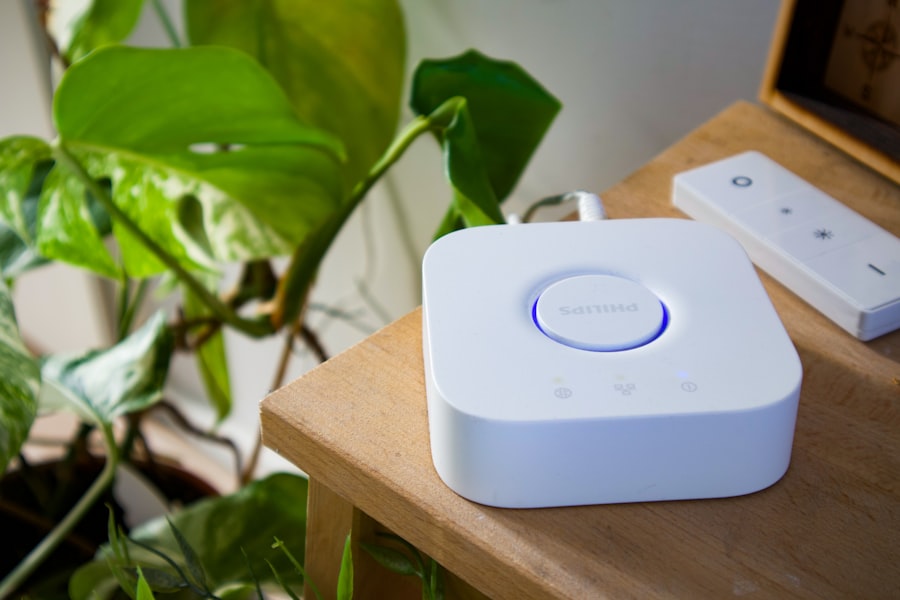
Smart home energy monitoring and automation — track your solar generation and control your home with Wi-Fi devices
Affiliate link — we may earn a small commission at no extra cost to you
Stay informed
Get free solar updates direct to your inbox
Related reading

Home Assistant for Solar: Monitoring and Automation
Use Home Assistant to monitor and automate your solar panel system. Setup guide for UK solar owners — dashboards, automations, and energy management.
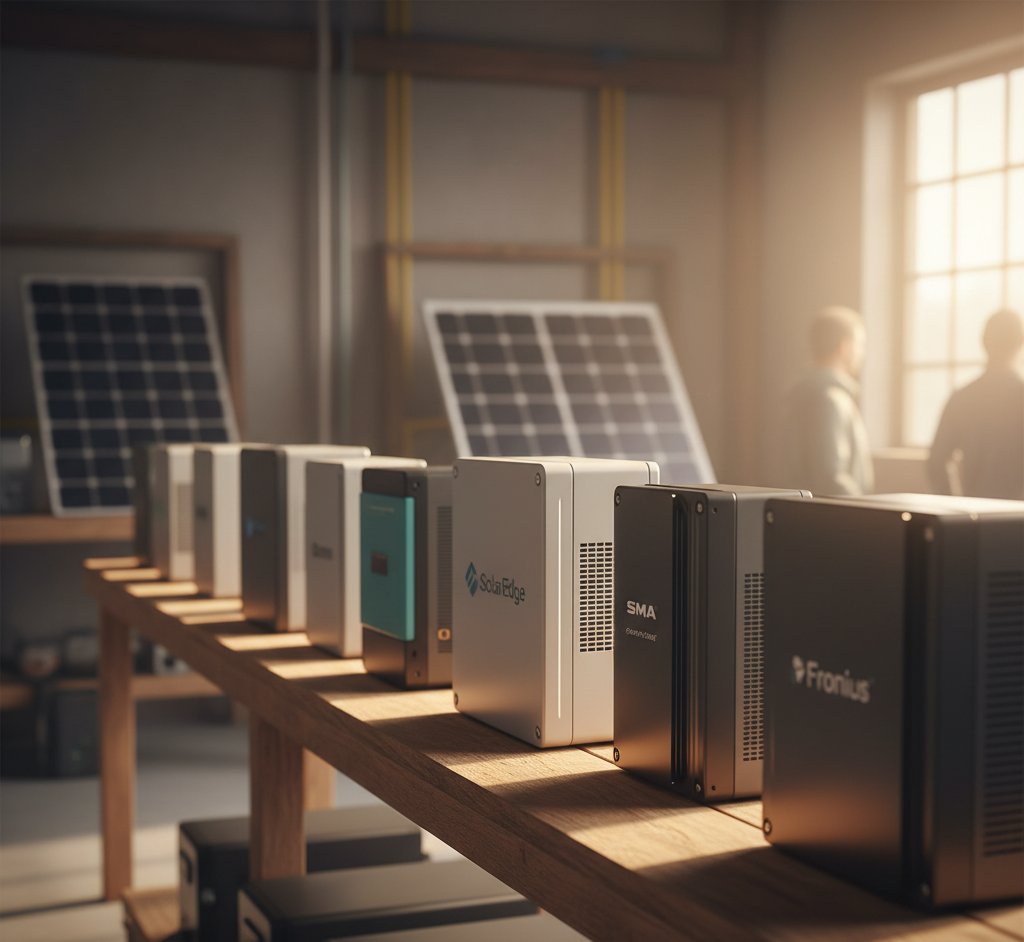
Solar Inverter Brand Comparison UK 2026
Comparing GivEnergy, Sunsynk, Solis, Fox ESS, and Growatt hybrid inverters for UK solar. Features, prices, reliability, and which to choose in 2026.
GivEnergy API and GivTCP: Local Control for Your Battery
Control your GivEnergy battery locally with GivTCP and the GivEnergy API. Set up Home Assistant integration for real-time monitoring and scheduling.


Switch to Octopus Energy
Get 50 credit when you switch. We get 50 too — win-win.
What does this mean for YOUR home?
Design your perfect solar setup in under 3 minutes. Free, no sign-up required.
Build Your Solar System