This page contains affiliate links. If you purchase through them we may earn a small commission at no extra cost to you. Learn more
Inverter Firmware, Monitoring, and CT Clamps Explained
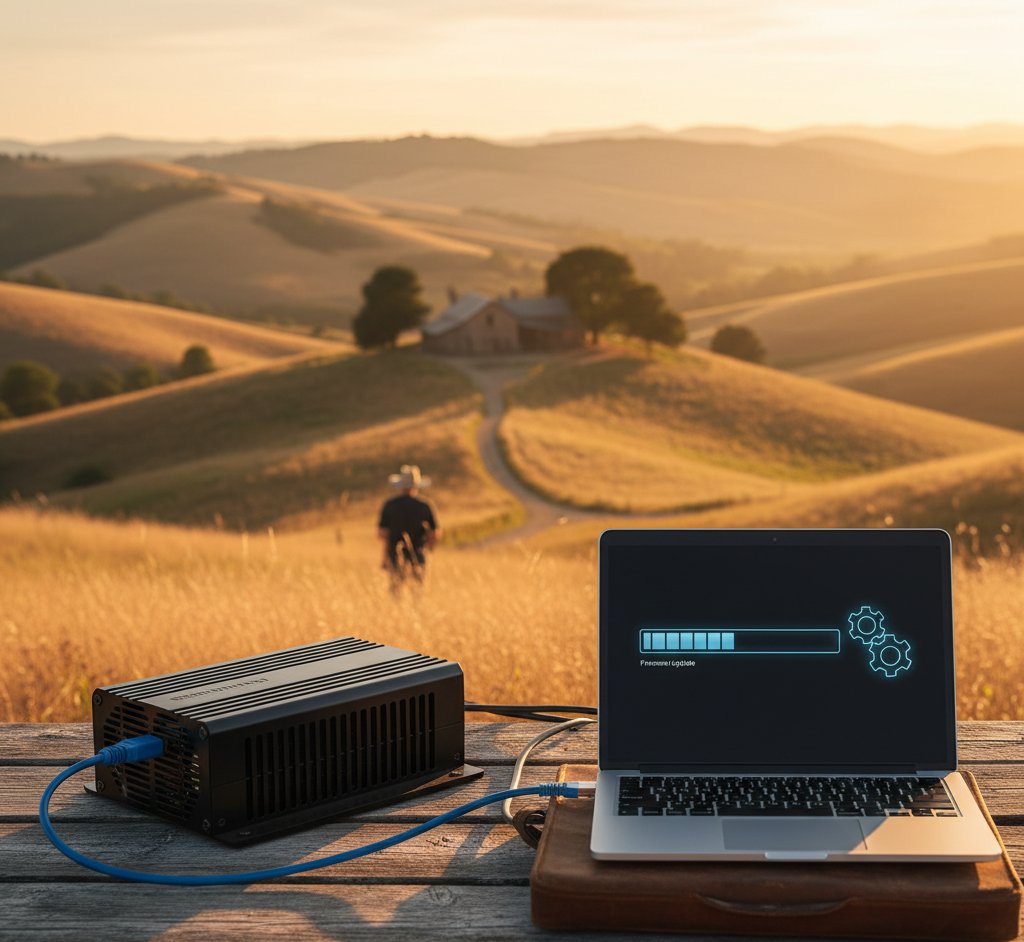
Firmware: your inverter's brain
What firmware does
Firmware is the embedded software that controls everything your inverter does:
- MPPT tracking — finding the optimal operating point for your solar panels under changing conditions
- Battery management — deciding when to charge, discharge, and at what rate
- Grid synchronisation — ensuring the AC output matches grid frequency and voltage
- Safety protection — anti-islanding, over-voltage protection, earth fault detection
- Smart features — tariff scheduling, export limiting, EPS control
- Communication — sending data to the cloud monitoring platform
Why firmware updates matter
Manufacturers regularly release firmware updates that:
- Fix bugs — resolve issues like incorrect metering, scheduling glitches, or communication drops
- Add features — new operating modes, smart tariff support, improved battery algorithms
- Improve efficiency — better MPPT algorithms can extract slightly more energy from your panels
- Enhance security — patch vulnerabilities in the inverter's network communication
- Comply with regulations — grid code changes sometimes require firmware updates
GivEnergy is particularly active with firmware updates, sometimes pushing monthly updates that address user-reported issues. SunSynk and Fox ESS also update regularly.
Keep your inverter online
Firmware updates typically deliver over your home WiFi or ethernet connection. If your inverter loses internet connectivity, it continues generating but won't receive updates or send monitoring data. Check your inverter's connection status in the app periodically. A wired ethernet connection is more reliable than WiFi for long-term operation.
How updates work
- GivEnergy: Updates pushed automatically over the internet. You can check current firmware version in the portal.
- SunSynk: Updates available through the SunSynk Connect app or pushed automatically.
- Fox ESS: Updates through Fox Cloud or manual USB update.
- Solis: Updates through SolisCloud or manual via installer.
- Growatt: Updates through ShinePhone app or manual via installer.
Some updates require a system restart (brief interruption to generation). Critical safety updates may be mandatory.
Don't manually flash firmware unless you know what you're doing
Some inverters allow manual firmware updates via USB or SD card. If you download the wrong firmware version or the update process is interrupted, you can brick your inverter (render it non-functional). Stick to automatic over-the-air updates unless your installer or manufacturer specifically instructs you to do a manual update.
CT clamps: the unsung hero
What CT clamps do
A CT (current transformer) clamp is a small sensor that clips around a cable and measures the current flowing through it without making direct electrical contact. Your inverter uses CT clamp data to determine:
- How much power your home is consuming from the grid
- How much power you're exporting to the grid
- The net flow direction (import or export)
This information is critical for the inverter to make intelligent decisions about battery charging, discharging, and export.
Types of CT clamp
Grid CT clamp: Measures current on your meter tails (the cables between your electricity meter and consumer unit). This tells the inverter the net import/export flow.
Generation CT clamp: Measures current on the inverter's AC output cable. This tells the inverter how much solar power it's producing.
Load CT clamp (optional): Some systems use an additional CT on specific circuits to monitor particular loads (e.g., EV charger, heat pump).
Why placement matters
CT clamp placement is one of the most critical aspects of a solar installation, and incorrect placement is a common cause of poor system performance.
Correct placement: The grid CT clamp goes around the live conductor of the meter tails, between the electricity meter and the consumer unit. It must face the right direction (the arrow on the CT typically points towards the consumer unit).
Wrong direction: If the CT is reversed, the inverter thinks you're exporting when you're importing (and vice versa). It will charge the battery from the grid during the day (expensive) and discharge to the grid at night (earning nothing).
Wrong cable: If the CT is on a circuit cable instead of the meter tails, the inverter gets partial consumption data and makes incorrect decisions.
Multiple CTs interfering: If you have a solar diverter (Eddi/iBoost) and an inverter, both with CT clamps on the meter tails, they can occasionally interfere with each other. Your installer should check for this during commissioning.
Diagnosing CT clamp issues
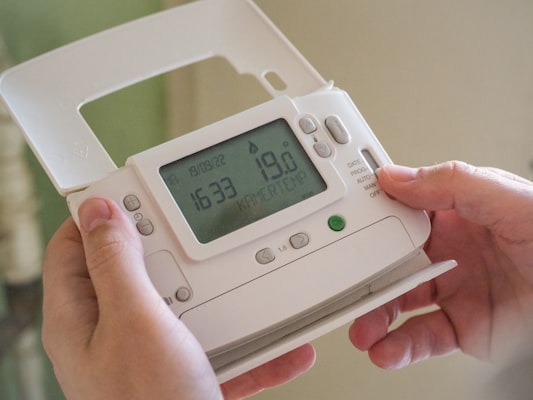
Signs your CT clamp may be incorrectly placed or oriented:
- Battery charges from the grid during sunny hours instead of from solar
- System exports all solar generation even though you're consuming electricity
- Monitoring data shows consumption that doesn't match your actual usage
- Self-consumption rate is much lower than expected
If you suspect a CT issue, contact your installer. It's a simple fix (repositioning or reversing the clamp) but makes an enormous difference to system performance.
Monitoring: watching the numbers
What to monitor
Check your monitoring app at least weekly for:
- Daily generation — is it consistent with weather conditions? A sudden drop suggests a panel or inverter issue.
- Self-consumption rate — the percentage of generation you use directly. Should be 30–40% without a battery, 60–80% with one.
- Battery cycles — is the battery charging and discharging daily as expected?
- Import/export balance — are you importing more than expected? Might indicate a settings issue.
- Error codes — any warnings or faults flagged by the inverter.
Setting up alerts
Most monitoring platforms allow you to set alerts for:
- Generation dropping below a threshold (e.g., zero generation on a sunny day)
- Inverter going offline
- Battery SOC dropping below a minimum
- Error codes appearing
Configure these alerts so you're notified of problems without having to check manually every day.
Third-party monitoring
For users who want more control, Home Assistant provides comprehensive monitoring across multiple devices (inverter, diverter, EV charger, smart meter) in a single dashboard. The setup requires some technical effort but delivers the most complete picture of your energy system.
These inverters offer excellent monitoring and firmware update capabilities:
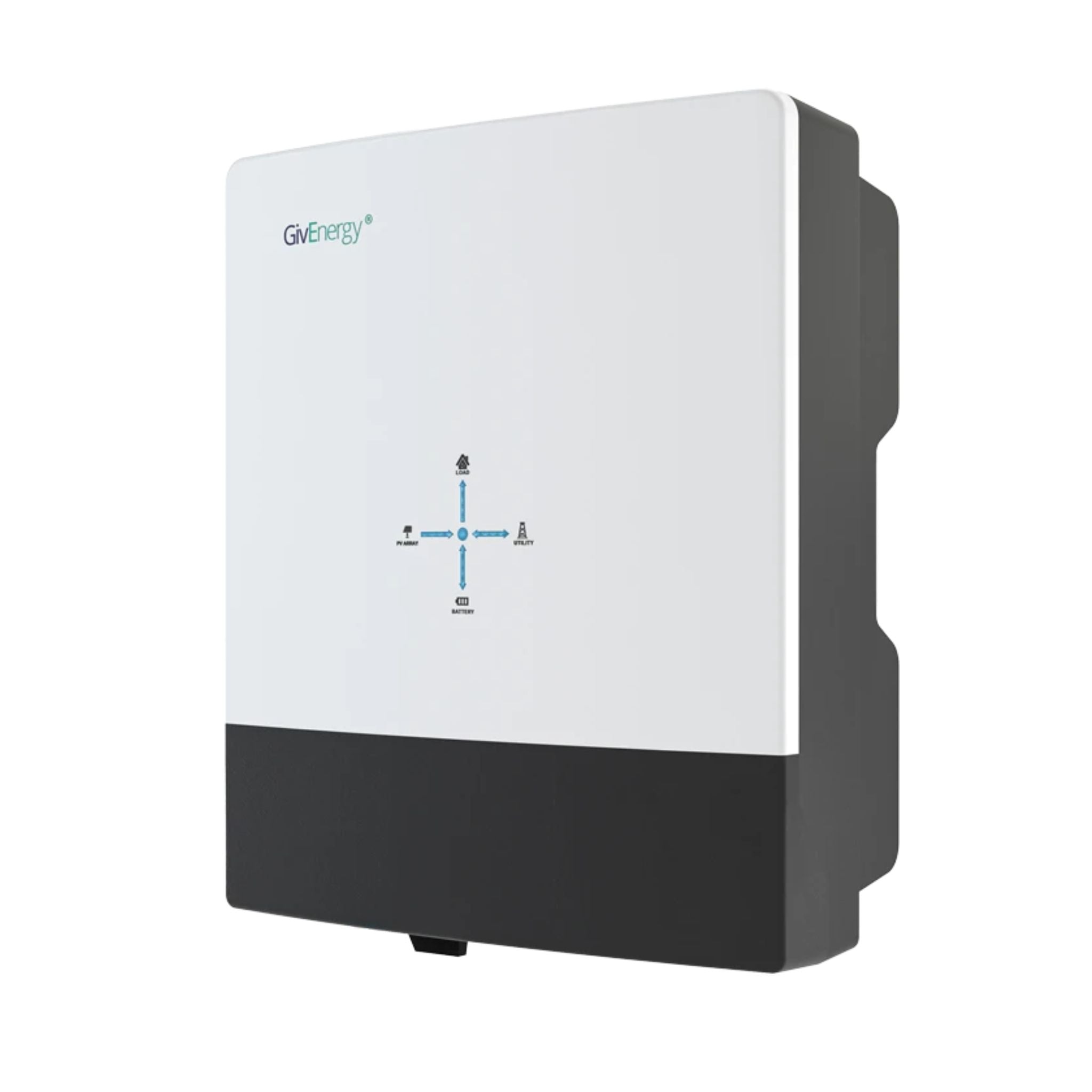
GivEnergy All-in-One 5kW Hybrid Inverter
£1,2005
7.5
2
48V
Affiliate link — we may earn a small commission at no extra cost to you
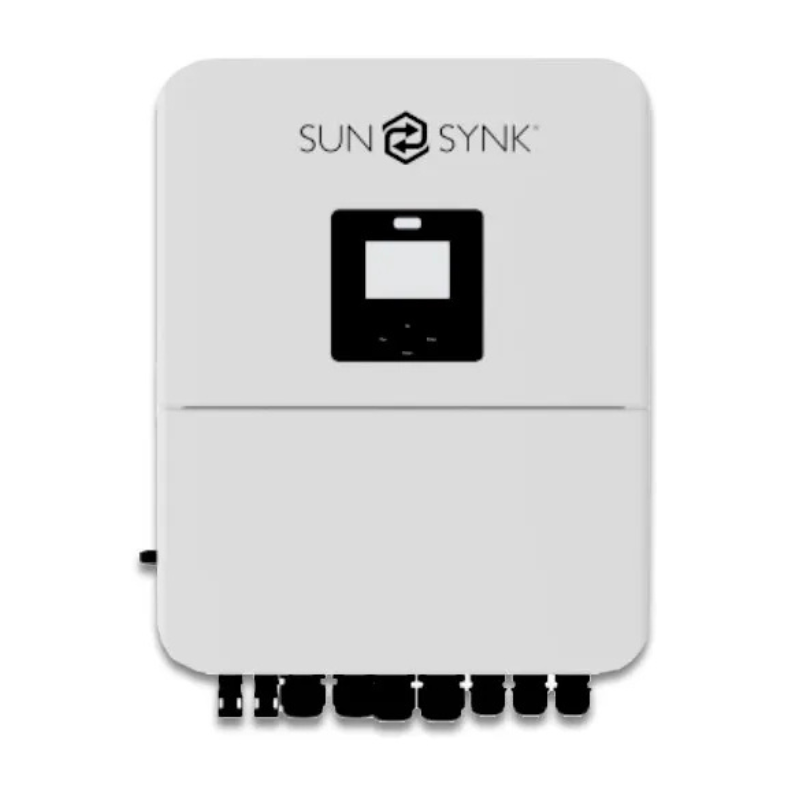
SunSynk 5kW Hybrid Inverter
£1,1505
7.5
2
48V
Affiliate link — we may earn a small commission at no extra cost to you
Practical maintenance checklist
Monthly:
- Check the app — is generation broadly matching expectations for the time of year?
- Verify battery is cycling (charging during day/cheap periods, discharging during evening)
Quarterly:
- Note the battery SOH reading
- Check for any firmware updates pending
- Review self-consumption rate and consider settings adjustments
Annually:
- Visual inspection of inverter (any warning lights, unusual noise?)
- Check inverter ventilation is clear (no dust buildup, nothing blocking airflow)
- Review annual generation against expected yield
- Ensure WiFi/ethernet connection to inverter is stable
Share this article

OVO has carefully selected trusted teams across the UK to install solar panels and heat pumps. Enjoy the personal touch of a local expert with the peace of mind of a household name.
Affiliate link — we may earn a small commission at no extra cost to you
Stay informed
Get free solar updates direct to your inbox
Related reading

Solar Inverters Explained: Types, Sizing, and Real-World Limits
String, micro, and hybrid inverters explained clearly — plus the critical G98/G99 threshold at 3.68kW and what it means for what you can run simultaneously.
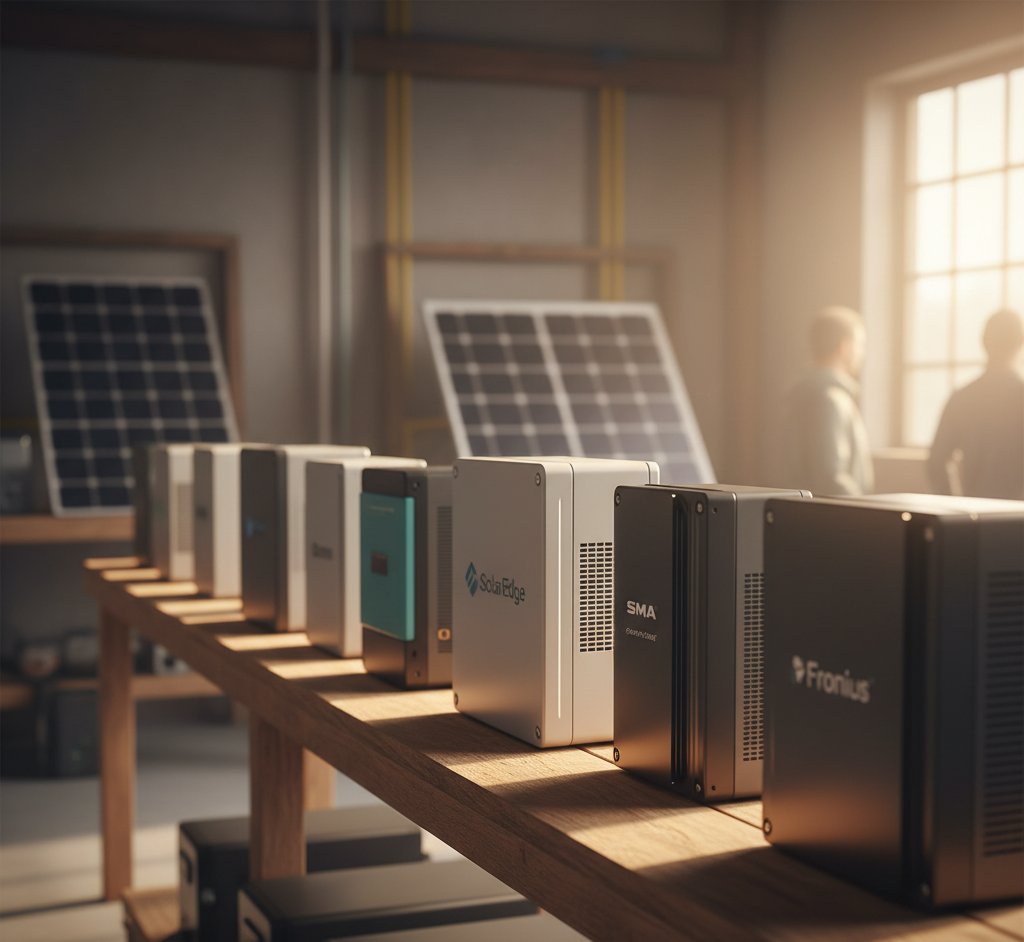
Solar Inverter Brand Comparison UK 2026
Comparing GivEnergy, Sunsynk, Solis, Fox ESS, and Growatt hybrid inverters for UK solar. Features, prices, reliability, and which to choose in 2026.

Solar Panel Maintenance: What's Actually Needed?
The honest guide to solar panel maintenance in the UK — spoiler: it's less than you think. What you actually need to do, and what you can safely skip.


Switch to Octopus Energy
Get 50 credit when you switch. We get 50 too — win-win.
What does this mean for YOUR home?
Design your perfect solar setup in under 3 minutes. Free, no sign-up required.
Build Your Solar System