This page contains affiliate links. If you purchase through them we may earn a small commission at no extra cost to you. Learn more
WiFi Dead Spots from Solar Inverters: Fixes
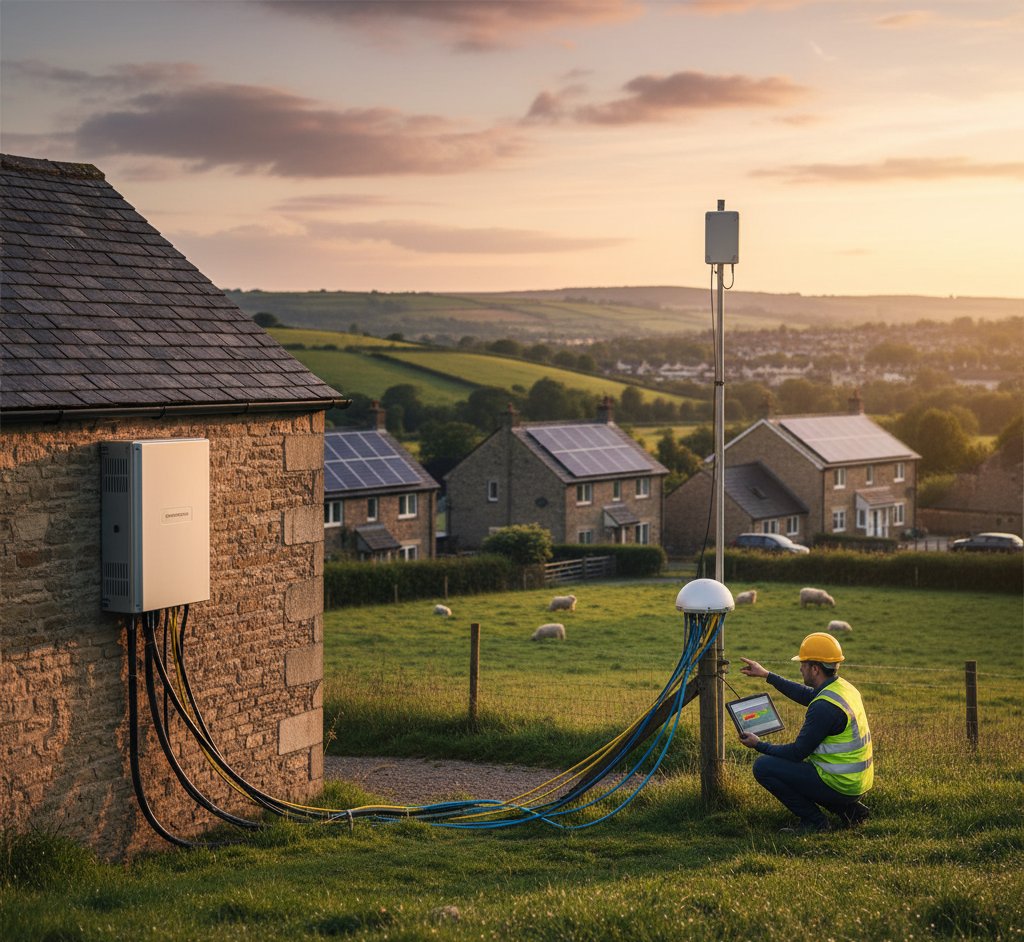
The problem
You install solar panels, and suddenly your WiFi drops out in certain rooms, your smart home devices lose connection, or streaming buffers near the inverter. It's a surprisingly common issue that few installers mention upfront.
Solar inverters convert DC to AC using high-frequency switching circuits. This switching generates electromagnetic interference (EMI) — essentially electrical noise that radiates from the inverter and its cables. If this noise falls in the same frequency range as your WiFi, it can degrade or block the wireless signal.
Why it happens
Frequency overlap
Most WiFi routers operate on 2.4GHz and 5GHz bands. Inverter EMI typically affects the 2.4GHz band more because:
- Harmonic frequencies from the inverter's switching circuits can fall in the 2.4GHz range
- 2.4GHz signals travel further and penetrate walls better, but are more susceptible to interference
- 5GHz signals are on a different frequency band that's less affected by typical inverter EMI
Cable antenna effect
The DC cables running from your roof to the inverter act as antennas, radiating EMI along their length. If these cables run near your router or WiFi access points, the interference can be significant.
Inverter placement
Many inverters are installed near the consumer unit, which is often near the front door — exactly where many people have their router (near the phone line/broadband point). This proximity is the root cause in most cases.
Practical fixes
1. Move the router or inverter apart (free–low cost)
The simplest solution. EMI drops off rapidly with distance. Getting 2–3 metres of separation between the inverter and your WiFi router usually resolves the problem.
- Move the router to a different room
- Use a longer ethernet cable to relocate the router
- If the inverter hasn't been installed yet, ask for it to be placed away from the router
2. Switch to 5GHz WiFi (free)
Log into your router settings and:
- Separate the 2.4GHz and 5GHz networks (give them different names)
- Connect affected devices to the 5GHz network
- Keep 2.4GHz for devices that only support it (some smart home devices, older laptops)
Most modern routers and devices support 5GHz. This is often the complete fix.
3. Add ferrite clamps to DC cables (£5–£15)
Ferrite clamps (clip-on ferrite cores) placed on the DC cables near the inverter absorb EMI before it can radiate. Buy snap-on ferrite cores sized for your cable diameter and clip them onto both DC input cables close to the inverter.
This is a cheap, effective fix that reduces EMI at the source. Available from any electronics supplier.
4. Use powerline or mesh WiFi (£30–£100+)
If your home's WiFi coverage was already marginal, the inverter might have pushed it over the edge. Mesh WiFi systems or powerline adapters can extend coverage without relying on the signal path near the inverter.
Test before and after installation
If possible, do a WiFi speed test in key locations before your solar installation, then repeat the test after. This helps confirm whether the inverter is actually causing the problem or if it's a coincidence. WiFi issues have many causes — don't assume the inverter is guilty without evidence.
5. Shield the inverter (moderate effort)
In persistent cases, EMI shielding material placed between the inverter and the affected area can help. This is usually a last resort — proper separation and ferrite clamps solve most cases.
Don't block inverter ventilation
If you add shielding material, ensure you don't block the inverter's ventilation. Inverters generate heat and need airflow. Wrapping an inverter in foil or placing it in an enclosed metal box without ventilation will cause overheating and potentially void the warranty.
When to contact your installer
If the fixes above don't resolve the issue:
- The inverter may be faulty — excessive EMI can indicate a component problem
- The installation may not comply with EMC (electromagnetic compatibility) regulations
- Cable routing may need adjustment — DC cables running alongside ethernet or coax cables is a common cause
- The inverter manufacturer may have firmware updates that improve EMI performance
Your installer should address EMI issues that arise from the installation. Under consumer rights, the installation should not degrade your existing services.
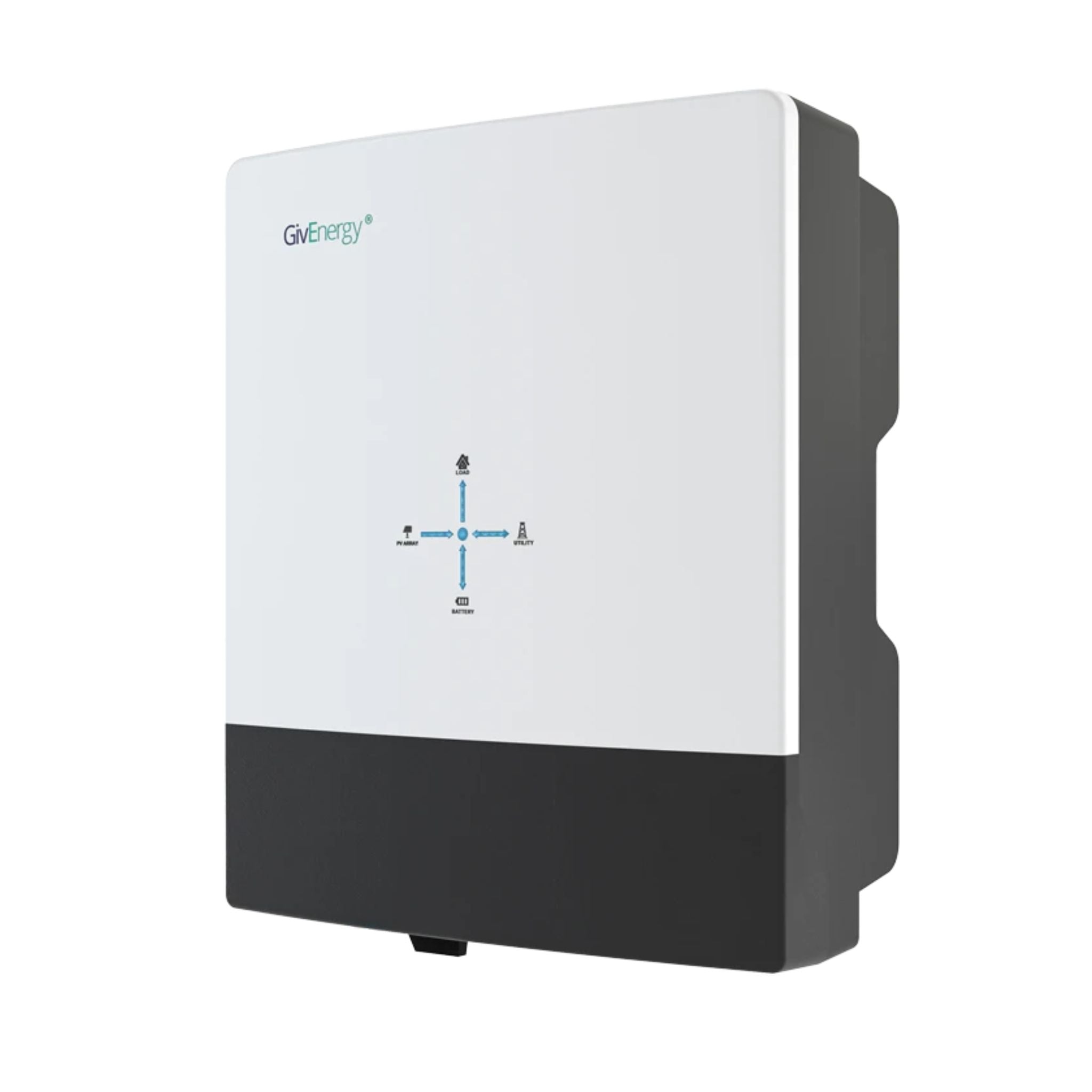
GivEnergy All-in-One 5kW Hybrid Inverter
£1,2005
7.5
2
48V
Affiliate link — we may earn a small commission at no extra cost to you
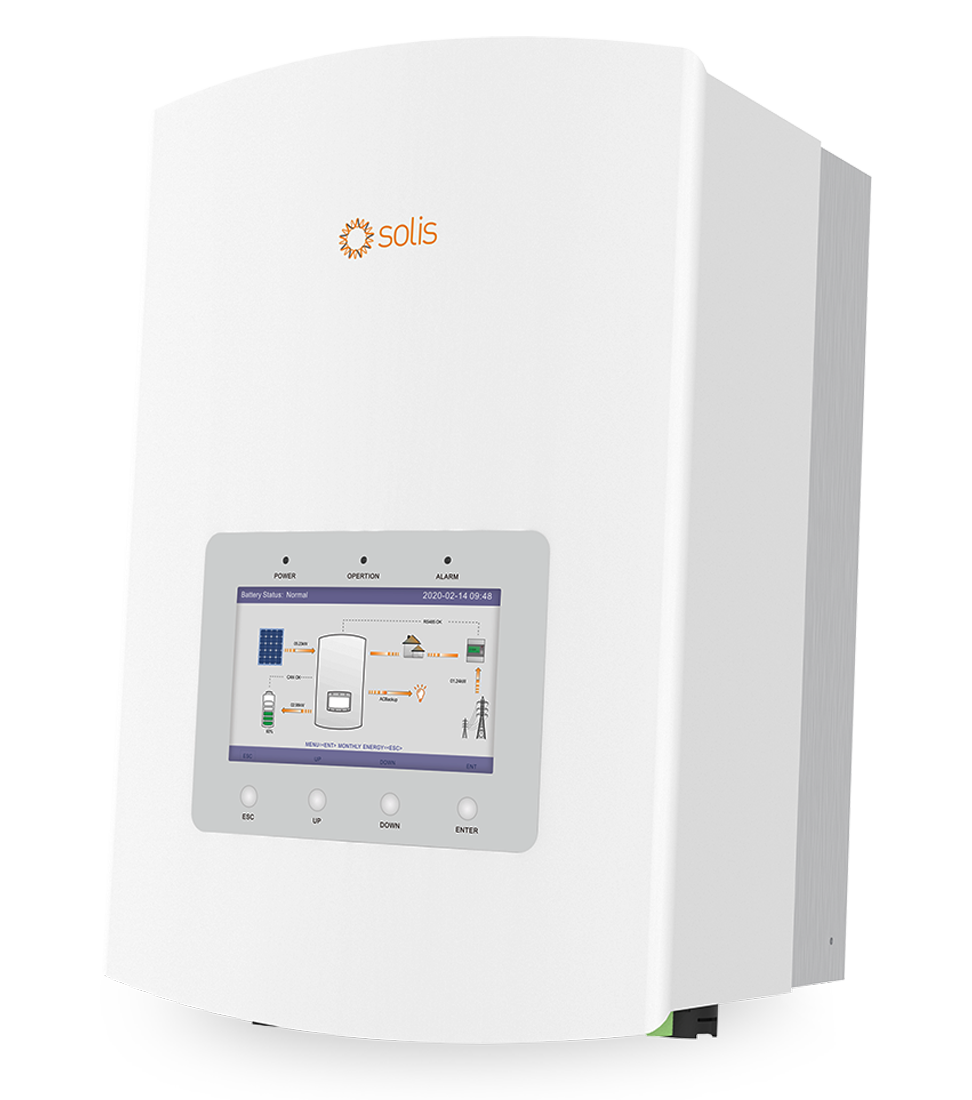
Solis RHI-5K-48ES-5G Hybrid Inverter 5kW
£9505
7.5
2
48V
Affiliate link — we may earn a small commission at no extra cost to you
Prevention is better than cure
If you're planning a solar installation:
- Tell your installer where your router is — they can place the inverter at the opposite end of the house
- Ask about EMI — a good installer will be aware of the issue and plan accordingly
- Request ferrite clamps as standard on DC cables
- Consider cable routing — DC cables should run away from ethernet cables, TV aerials, and WiFi equipment where possible
Share this article

OVO has carefully selected trusted teams across the UK to install solar panels and heat pumps. Enjoy the personal touch of a local expert with the peace of mind of a household name.
Affiliate link — we may earn a small commission at no extra cost to you
Stay informed
Get free solar updates direct to your inbox
Related reading
Solar Inverters Explained: Types, Sizing, and Real-World Limits
String, micro, and hybrid inverters explained clearly — plus the critical G98/G99 threshold at 3.68kW and what it means for what you can run simultaneously.
Noisy Solar Inverters: Causes and Solutions
Why your solar inverter makes noise, when it's normal, when it's a fault, and how to reduce inverter noise in your UK home. Buzzing, humming, and fan noise.
Solar Panel Maintenance: What's Actually Needed?
The honest guide to solar panel maintenance in the UK — spoiler: it's less than you think. What you actually need to do, and what you can safely skip.


Switch to Octopus Energy
Get 50 credit when you switch. We get 50 too — win-win.
What does this mean for YOUR home?
Design your perfect solar setup in under 3 minutes. Free, no sign-up required.
Build Your Solar System