This page contains affiliate links. If you purchase through them we may earn a small commission at no extra cost to you. Learn more
Octopus Energy API: Automating Your Solar Setup

The Octopus Energy API is one of the most developer-friendly energy APIs in the UK. For solar and battery owners, it unlocks real-time pricing, consumption data, and tariff information that enables powerful automations.
What the Octopus API Provides
The API gives you access to:
Tariff Pricing
- Agile import rates: Half-hourly prices for the next 24+ hours, published around 4pm daily
- Agile export rates: What you'll earn for exporting in each half-hour
- Flux rates: Fixed time-band pricing (cheap, standard, peak)
- Historical rates: Past pricing for analysis and optimisation
Consumption Data
- Half-hourly import: How much electricity you drew from the grid in each 30-minute slot
- Half-hourly export: How much you sent back to the grid
- Gas consumption: If you have a smart gas meter
- Daily and monthly totals
Account Information
- Tariff details: Which tariff you're on and its current rates
- Meter details: MPAN, serial numbers
- Account balance and payments
Accessing the API
API Key
Find your API key in the Octopus Energy dashboard: My Account > Developer Settings, or via the personal dashboard at octopus.energy/dashboard/developer.
Your API key is unique to your account and should be kept private. It provides read-only access to your data.
Base URL
All API requests go to: https://api.octopus.energy/v1/
Authentication
Use HTTP Basic Authentication with your API key as the username and an empty password.
Practical Uses for Solar Owners
1. Agile Price Monitoring
The Agile tariff changes price every 30 minutes. The API lets you:
- See upcoming prices before they go live
- Find the cheapest hours for battery charging
- Identify expensive peak periods for battery discharge
- Spot negative pricing events (free or paid-to-use electricity)
Prices for the next day are typically published between 4pm and 6pm. This gives you enough time to plan overnight charging and next-day strategy.
2. Export Rate Tracking
If you're on Agile export or SEG, knowing the export rate helps you decide whether to:
- Export now (if the rate is high)
- Store in your battery for later self-use (if import rates will be higher)
- Hold battery charge for a future export window
3. Consumption Analysis
Half-hourly consumption data reveals:
- Your base load (minimum consumption, typically overnight)
- Peak usage times (morning routine, evening cooking)
- How much solar offsets your daytime consumption
- Whether your battery is reducing peak imports effectively
This data helps you optimise your energy behaviour and verify that your solar and battery system is working as expected.
Check Your Data Weekly at First
When you first install solar and/or a battery, check your half-hourly consumption data weekly via the API or Octopus dashboard. You'll spot patterns that suggest optimisation opportunities — like a base load that's higher than expected (something's always on that shouldn't be) or export during hours when you could be self-consuming.
Home Assistant Integration
The Octopus Energy integration for Home Assistant is the most common way UK solar owners interact with the API:
What It Provides
- Current import/export rate: Real-time pricing sensor
- Upcoming rates: Forecast of next 24–48 hours of pricing
- Consumption sensors: Half-hourly import and export readings
- Cost tracking: Running total of daily/weekly/monthly costs
- Tariff information: Current tariff details
Key Entities

Once installed, the integration creates entities like:
sensor.octopus_energy_electricity_current_rate— current import pricesensor.octopus_energy_electricity_current_day_cost— today's cost so farsensor.octopus_energy_electricity_export_current_rate— current export price
These entities feed into Predbat, dashboard displays, and automations.
Building Automations with Octopus Data
Cheap Rate Alerts
Send a notification when the import rate drops below a threshold:
Trigger: When sensor.octopus_current_rate drops below 10p/kWh
Action: Send push notification: "Cheap electricity now! Rate: Xp/kWh until HH:MM"
This lets you manually shift loads to cheap periods while you're building confidence with automation.
Automatic Battery Charging
Trigger: When import rate is below 8p/kWh AND battery SOC is below 50% Action: Set battery to charge mode via GivTCP/Solis integration
This is basic compared to Predbat but works for simple setups.
Negative Pricing Response
On Octopus Agile, prices occasionally go negative:
Trigger: When import rate is negative (below 0p) Action: Set battery to charge, turn on immersion heater, send notification to run all appliances
You're being paid to use electricity — use as much as possible.
Peak Rate Battery Discharge
Trigger: When import rate exceeds 30p/kWh AND battery SOC is above 20% Action: Set battery to discharge mode
Sell stored electricity back during expensive periods.
Let Predbat Handle Complex Logic
Simple automations (charge when cheap, discharge when expensive) work but leave money on the table compared to Predbat's sophisticated planning. If you have the technical setup for Predbat, use it instead of building individual automations. Predbat considers all the variables together — individual automations can conflict or miss optimal strategies.

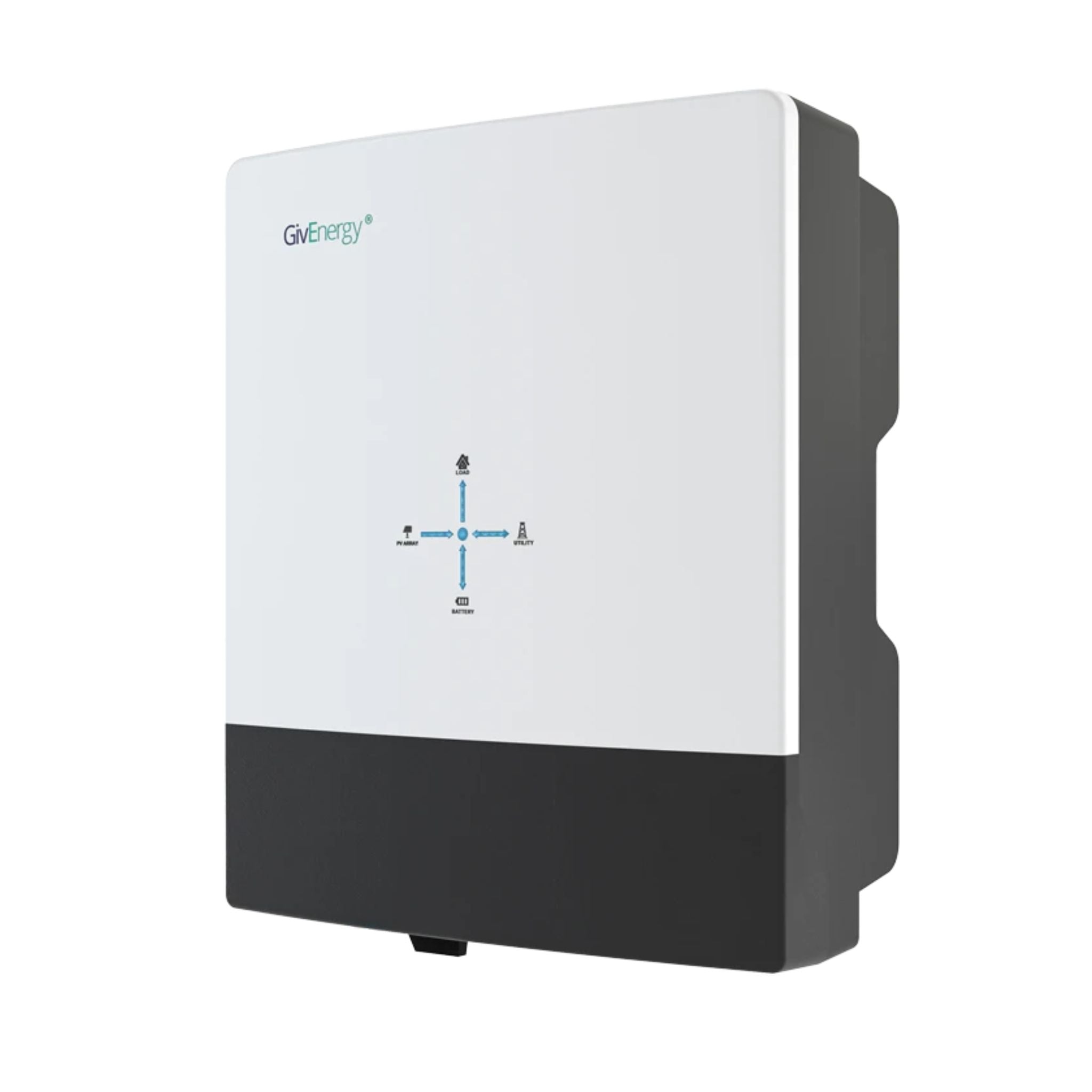
GivEnergy All-in-One 5kW Hybrid Inverter
£1,2005
7.5
2
48V
Affiliate link — we may earn a small commission at no extra cost to you
API Rate Limits and Best Practices
- Octopus doesn't publish strict rate limits, but be reasonable (a few hundred calls per day is fine)
- Cache responses where possible — pricing data doesn't change once published
- Use the Home Assistant integration rather than direct API calls for most purposes
- The API is occasionally slow during peak times (around 4pm when Agile prices are published)
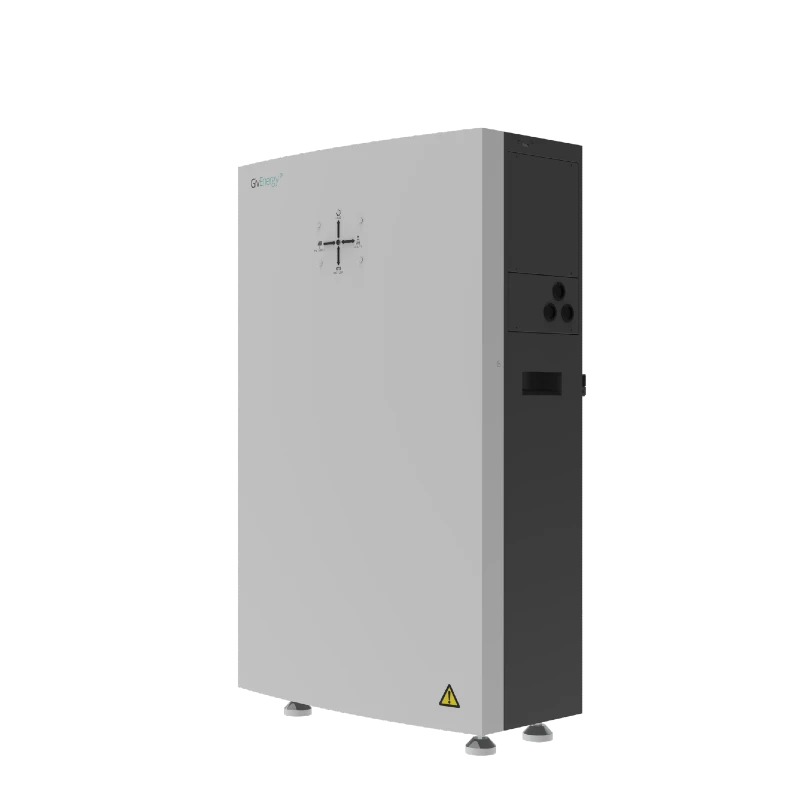
GivEnergy All-in-One 9.5kWh Battery
£5,5009.5
8.6
LFP
6000
Affiliate link — we may earn a small commission at no extra cost to you
Beyond the API: Octopus Mini
Octopus also provides the "Mini" in-home display and the Octopus app, which show much of the same data in a consumer-friendly format. For non-technical users, the app is sufficient. The API is for those who want to build automations or use tools like Predbat.
Combining Data Sources
The most powerful solar automations combine Octopus pricing with:
- Solcast solar forecast — know what generation to expect
- Inverter data — know battery state and current flows
- Weather forecast — anticipate heating demand
Predbat combines all of these automatically. If you're building your own system, you'll need to integrate these data sources in Home Assistant and build logic that considers them together.
For the complete Home Assistant setup, see our Home Assistant guide. For automated battery scheduling, see our Predbat guide.
Share this article

The UK's fastest boiler installation service — from quote to fitted in as little as 24 hours. Award-winning, Trustpilot rated, with no pushy salesmen.
Affiliate link — we may earn a small commission at no extra cost to you
Stay informed
Get free solar updates direct to your inbox
Related reading

Predbat: Automated Battery Scheduling for Octopus Tariffs
Predbat automates your home battery to maximise savings on Octopus Agile, Flux, and other time-of-use tariffs. Setup guide, how it works, and realistic savings.

Home Assistant for Solar: Monitoring and Automation
Use Home Assistant to monitor and automate your solar panel system. Setup guide for UK solar owners — dashboards, automations, and energy management.
Octopus Free Electricity Sessions: How to Maximise Them
How to make the most of Octopus Energy free electricity sessions. What they are, when they happen, and how solar and battery owners can maximise savings.


Switch to Octopus Energy
Get 50 credit when you switch. We get 50 too — win-win.
What does this mean for YOUR home?
Design your perfect solar setup in under 3 minutes. Free, no sign-up required.
Build Your Solar System