This page contains affiliate links. If you purchase through them we may earn a small commission at no extra cost to you. Learn more
Predbat: Automated Battery Scheduling for Octopus Tariffs
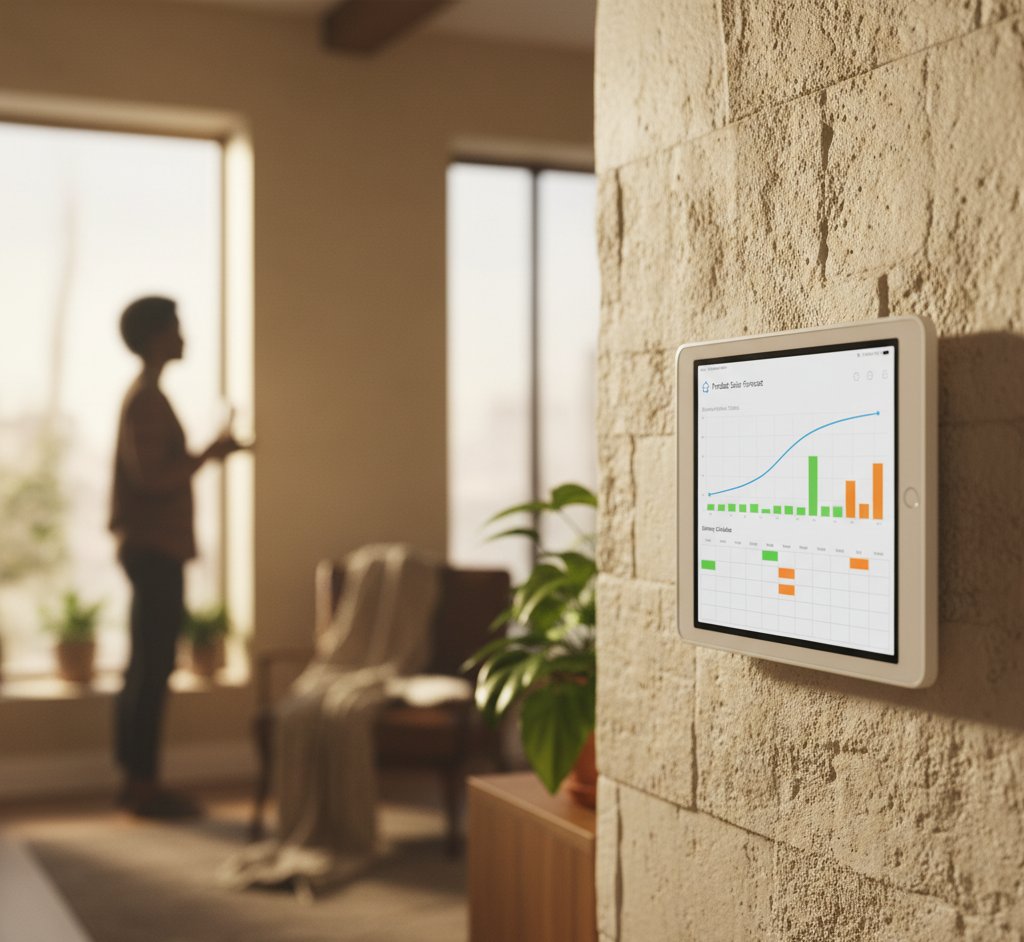
Predbat is a free Home Assistant add-on that automatically manages your home battery to minimise electricity costs. It's become essential for UK solar owners on Octopus tariffs — and it can save hundreds of pounds per year with minimal ongoing effort.
What Predbat Does
Your battery inverter comes with a basic scheduler: charge overnight, discharge during the day. This is fine for flat-rate tariffs but leaves money on the table with time-of-use pricing.
Predbat replaces the basic scheduler with an intelligent planner that considers:
- Tomorrow's electricity prices (half-hourly Octopus Agile/Flux rates)
- Tomorrow's solar forecast (via Solcast)
- Your household's typical consumption pattern
- Your battery's capacity and current charge level
- Your export tariff rates
It then creates an optimal plan: when to charge from the grid, when to discharge, when to hold, and when to export — updated every 30 minutes as forecasts change.
How It Saves Money
Example: Octopus Agile
Without Predbat, a typical battery owner charges overnight at whatever the overnight rate is and discharges during the day.
With Predbat:
- Overnight: Charges the battery during the cheapest half-hours (might be 5p/kWh at 2:30am instead of 15p/kWh at 11:30pm)
- Morning: Holds battery charge if morning prices are moderate but solar is coming
- Midday: Lets solar fill the battery and power the house; exports surplus at high-price periods
- Peak (4–7pm): Discharges battery during the most expensive half-hours (could be 35–50p/kWh)
- Evening: Decides whether to use remaining battery charge or buy cheap grid electricity
Each decision is optimised to minimise cost. Over thousands of half-hour slots per year, the savings compound.
Example: Octopus Flux
Flux has fixed time bands:
- Cheap: 02:00–05:00 (~7p/kWh)
- Standard: 05:00–16:00 and 19:00–02:00 (~24p/kWh)
- Peak: 16:00–19:00 (~34p/kWh)
- Export peak: 16:00–19:00 (~25p/kWh)
Predbat optimises within these bands:
- Always charges fully during the cheap window
- Decides whether to discharge for self-use or export based on which is more valuable
- Adjusts for solar forecast — on sunny days, it may not charge fully overnight because solar will top up the battery
Realistic Savings
| Scenario | Without Predbat | With Predbat | Annual Saving |
|---|---|---|---|
| 5kWh battery, Octopus Flux | £650/year electricity | £350/year | £300 |
| 10kWh battery, Octopus Agile | £700/year electricity | £250/year | £450 |
| 5kWh battery, flat-rate tariff | £800/year electricity | £750/year | £50 |
The savings depend heavily on your tariff. On a flat-rate tariff, Predbat has little room to optimise. On Agile or Flux, the price variations give it significant leverage.
Predbat Is Most Valuable on Octopus Agile
Agile prices vary the most (from negative to 100p+/kWh), giving Predbat the most room to optimise. If you have a battery and aren't on a time-of-use tariff, switching to Agile and installing Predbat is one of the highest-value changes you can make — potentially worth £300–£500/year.
Requirements
Hardware
- Home Assistant running on a Raspberry Pi 4+, mini PC, or similar
- Compatible battery/inverter — GivEnergy (via GivTCP), Solis, Fox ESS, SolarEdge, Sofar
- Wi-Fi/Ethernet connection to the inverter
Accounts
- Solcast account (free for home users) — for solar generation forecasts
- Octopus Energy account — for tariff pricing data
- Home Assistant with the Octopus Energy integration installed
Knowledge
- Basic Home Assistant familiarity (you should have HA running and working before adding Predbat)
- Willingness to read documentation and configure YAML files
- Patience for initial setup and tuning (allow 1–2 weeks for optimal performance)
Setup Overview
Step 1: Prerequisites
Ensure Home Assistant is running with:
- Your inverter integration working (GivTCP, SolisCloud, etc.)
- Octopus Energy integration installed and showing tariff rates
- Solcast integration installed with your rooftop defined
Step 2: Install Predbat

Install via HACS (Home Assistant Community Store) as an AppDaemon app. This requires the AppDaemon add-on to be installed first.
Step 3: Configure
Edit the Predbat configuration file (apps.yaml) with:
- Your battery capacity and charge/discharge rates
- Your tariff details (import and export rates)
- Your Solcast API key
- Your inverter control entities (from your HA integration)
Step 4: Tune
Let Predbat run for 3–7 days while you monitor its decisions. It learns your consumption patterns over time. You can adjust:
- Target battery levels for different scenarios
- How aggressively it buys cheap electricity
- Minimum battery reserve (for backup power)
- Whether to prioritise self-consumption or export arbitrage
Don't Touch the Inverter Schedule Manually
Once Predbat is managing your battery, don't manually change the inverter schedule. Predbat updates the schedule every 30 minutes — any manual changes will be overwritten. If you need to override Predbat temporarily (e.g., before a power cut), use Predbat's built-in override features rather than changing the inverter directly.
Understanding Predbat's Decisions
Predbat exposes its planning through Home Assistant entities:
- predbat.best_cost: The optimised total cost for the next 48 hours
- predbat.base_cost: What the cost would be without optimisation
- predbat.savings_today: Today's savings from Predbat's decisions
- predbat.plan: A detailed schedule showing planned charge/discharge for each half-hour
You can view the plan in a graph on your HA dashboard, showing exactly what Predbat intends to do and why.


EcoFlow Delta Pro 3.6kWh Portable Power Station
£1,5003.6
3.4
LFP
3500
 View on EcoFlow UK
Affiliate link — we may earn a small commission at no extra cost to you
Common Issues and Troubleshooting
"Predbat keeps charging from the grid unnecessarily"
Usually means the solar forecast is pessimistic or your consumption baseline is set too high. Check Solcast accuracy and let Predbat learn your patterns for a week.
"Battery isn't reaching full charge"
Check the charge rate setting in Predbat matches your inverter's actual maximum charge rate. Some inverters throttle at high SOC.
"Costs seem higher than expected"
Verify your tariff rates in the configuration. Predbat uses whatever rates you tell it — if they're wrong, the optimisation will be wrong.
"Predbat isn't controlling my inverter"
Check the GivTCP or equivalent integration is working and Predbat has the correct entity names for controlling charge/discharge.
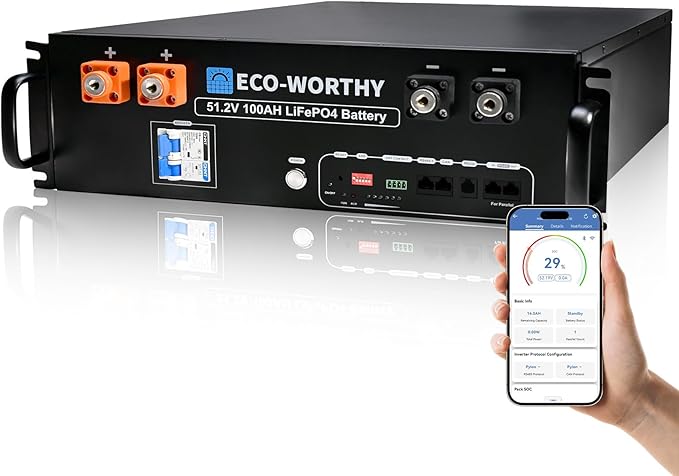
ECO-WORTHY 5.12kWh LiFePO4 Battery Module
£7005.12
4.9
LFP
4000
Affiliate link — we may earn a small commission at no extra cost to you
The Predbat Community
Predbat has an active community of UK solar owners who share configurations, troubleshoot issues, and suggest improvements. Key resources:
- GitHub: The Predbat repository with documentation and issue tracker
- Facebook groups: GivEnergy Owners Group, UK Solar Panel Owners
- Discord: Home Assistant and Predbat community channels
The community is welcoming to newcomers and most common questions have been answered in previous discussions.
Is It Worth the Effort?
If you have a battery and a time-of-use tariff: absolutely. The £200–£500/year saving is the equivalent of earning a strong financial return on 30 minutes of setup work.
If you have a battery on a flat-rate tariff: Predbat has limited value, but it's a good reason to switch to Agile or Flux.
If you don't have a battery: Predbat can't help much — it's primarily a battery optimiser. Consider getting a battery if you're already on a time-of-use tariff.
For the full Home Assistant setup guide, see our Home Assistant solar guide. For details on connecting to the Octopus API directly, see our Octopus API guide.
Share this article

The UK's fastest boiler installation service — from quote to fitted in as little as 24 hours. Award-winning, Trustpilot rated, with no pushy salesmen.
Affiliate link — we may earn a small commission at no extra cost to you
Stay informed
Get free solar updates direct to your inbox
Related reading

Home Assistant for Solar: Monitoring and Automation
Use Home Assistant to monitor and automate your solar panel system. Setup guide for UK solar owners — dashboards, automations, and energy management.

Octopus Energy API: Automating Your Solar Setup
Use the Octopus Energy API to automate your solar and battery system. Access real-time pricing, consumption data, and account information for smarter energy management.

Battery Storage Payback: Is It Worth the Extra Cost?
Honest analysis of battery storage payback in the UK. When batteries pay for themselves, when they don't, and the hidden factors that change the calculation.


Switch to Octopus Energy
Get 50 credit when you switch. We get 50 too — win-win.
What does this mean for YOUR home?
Design your perfect solar setup in under 3 minutes. Free, no sign-up required.
Build Your Solar System