This page contains affiliate links. If you purchase through them we may earn a small commission at no extra cost to you. Learn more
Tesla Powerwall 3 vs GivEnergy All-in-One: The UK Battery Showdown

Two very different approaches to home battery storage
The Tesla Powerwall 3 and the GivEnergy All-in-One are two of the most talked-about home battery options in the UK — but they solve the problem in very different ways and at very different price points.
Understanding which suits your home depends on what you're actually trying to do: maximise self-sufficiency, reduce bills through smart tariff charging, protect against power cuts, or expand storage as your needs grow.
At a glance: the numbers
Capacity and usable storage
The Powerwall 3 gives you 13.5kWh of fully usable storage — Tesla allows 100% depth of discharge without warranty implications. The GivEnergy AIO 9.5kWh has a gross capacity of 9.5kWh, with 8.6kWh usable (a 90% depth of discharge).
That 4.9kWh difference matters in practice. A typical UK home uses 8–12kWh per day. A fully charged Powerwall 3 can cover most of a winter day's consumption without any solar input. The GivEnergy AIO may not.
If you're in a larger home, run an EV, or have a heat pump, the Powerwall 3's capacity advantage becomes more significant. For a smaller home (2–3 bed, low electricity use), 8.6kWh usable is often sufficient.
Power output and backup capability
This is where the comparison becomes stark. The Powerwall 3 includes an 11.5kW integrated inverter. The GivEnergy AIO has a 3kW inverter.
During a power cut:
- Powerwall 3 at 11.5kW can simultaneously run a heat pump (2–3kW), an EV charger (7.4kW), lighting, a fridge, and a TV without breaking a sweat. It can power almost anything in a normal UK home.
- GivEnergy AIO at 3kW can run lights, a fridge, phone chargers, a TV, and perhaps a microwave — but not simultaneously with a heat pump or EV charger. You'll need to manage loads carefully.
For most households that just want lights and a fridge during an occasional winter outage, 3kW is adequate. If you have a heat pump, a dependent medical device, or simply want whole-home resilience, the Powerwall 3's backup capacity is genuinely in a different league.
GivEnergy AIO backup needs careful load planning
The GivEnergy AIO's 3kW inverter limits how much you can run simultaneously during a blackout. If your home has a heat pump, electric shower, or EV charger, you'll need to manually avoid running them on backup power. The Powerwall 3 has no such constraint for typical home loads.
The inverter question
The GivEnergy AIO is described as "all-in-one" — it includes a 3kW inverter built in and can operate as a standalone AC-coupled unit. However, many installers pair it with a separate GivEnergy hybrid inverter (typically 5kW, around £1,200–1,500 installed) to increase solar input capacity and output flexibility. This is worth budgeting for if you have or plan to install solar panels.
The Powerwall 3, by contrast, contains an 11.5kW inverter as standard. If you're adding solar panels, the Powerwall 3 handles the inverter function for up to six string inputs — no separate inverter needed. This integration simplifies the installation and reduces the number of devices on your wall.
Cost comparison
Pricing varies by installer and region, but as a guide:
Tesla Powerwall 3: £10,000–13,000 fully installed, including the integrated inverter and installation costs. Tesla only sells through Tesla Certified Installers, and pricing is less negotiable than with third-party equipment.
GivEnergy AIO 9.5kWh: The battery unit itself is around £4,500–6,000 installed. If you're also installing a GivEnergy hybrid inverter to manage solar panels, add £1,200–1,500, bringing the total to approximately £5,700–7,500. This is meaningfully cheaper than the Powerwall 3 for a smaller-capacity system.
On a cost-per-usable-kWh basis, the two products are broadly comparable (£660–960/kWh depending on installer quotes), but the Powerwall 3 is buying more storage, more power output, and a more capable backup system for that premium.
Get at least three quotes
Powerwall 3 pricing is set by Tesla's certified installer network, but quotes can still vary by several hundred pounds. For GivEnergy, the wider installer pool means more competition — worth getting quotes from at least three MCS-accredited installers.
App experience
Both products offer genuinely excellent monitoring apps, and this is one area where GivEnergy has closed the gap with Tesla significantly.
Tesla app: Clean, intuitive design. Shows energy flows in real time, historical data, backup status, and Storm Watch notifications. Well-integrated with Tesla vehicles and the Tesla Energy Plan tariff. The experience is polished and consumer-focused.
GivEnergy app: Detailed energy flow data, time-of-use scheduling, battery state, and tariff scheduling. The GivEnergy app is praised by users for granularity — you can see exactly what's happening at any moment. It's arguably more configurable than the Tesla app, though slightly less visually slick.
For most users, both apps are more than adequate. Where GivEnergy pulls ahead is in third-party integration.
Home Assistant and Predbat integration
If you're interested in Home Assistant and smart battery automation using Predbat, GivEnergy is the clear choice.
GivEnergy publishes an open API and has an active developer community. Predbat — the open-source tool that forecasts solar generation, grid prices, and optimises charging schedules — has full GivEnergy support. You can automate your battery to charge on cheap Octopus Agile slots, export during peak prices on Flux, and react to weather forecasts without any manual input.
Tesla's API is more restricted. While Home Assistant has some Tesla Powerwall integration, it is not as capable or as actively maintained as the GivEnergy integration, and Tesla periodically changes API access in ways that break third-party tools. If you want deep automation, GivEnergy is the safer long-term bet.
Tariff compatibility
GivEnergy works well with all UK smart tariffs. Its built-in scheduler lets you set charge windows for Octopus Go (5.5p/kWh overnight), Agile, Cosy, or Flux. With Predbat, this becomes fully automated. You can also participate in virtual power plant (VPP) programmes through Octopus Energy's device integration.
Tesla has its own tariff advantage in the form of the Tesla Energy Plan — an exclusive Octopus Energy tariff available only to Powerwall owners. As of early 2026, this tariff offers competitive rates and automatic Powerwall charging optimisation managed by Tesla, removing the need for manual scheduling. If you're not a Home Assistant enthusiast and want a hands-off experience, this is genuinely compelling.
Installer availability
This is a significant practical difference.
The Tesla Powerwall 3 is sold exclusively through Tesla Certified Installers. There are fewer of them, they're unevenly distributed across the UK (better coverage in cities and the South East), and their pricing is less competitive due to reduced market pressure. Lead times can also be longer.
The GivEnergy AIO can be installed by any MCS-accredited installer, and GivEnergy is one of the most common battery brands in the UK. You're likely to find several local installers experienced with it. This means more competitive quotes, faster installation slots, and — importantly — easier after-sales support if something goes wrong.
11.5kW
Powerwall 3 backup output — enough to run a heat pump and EV charger simultaneously
Explore battery storage optionsExpansion options
Both products allow you to expand storage later, but in different ways.
Tesla: You add a second (or third) Powerwall 3. Each adds another 13.5kWh and another 11.5kW of inverter capacity. The units stack cleanly and are managed together in the Tesla app. This is expensive per unit but very capable.
GivEnergy: The AIO system is modular. You can add GivEnergy battery modules (typically 2.6kWh slabs) to increase total storage without replacing the inverter. This is more cost-effective if you just need a few more kWh, though the 3kW inverter remains the output ceiling regardless of how many batteries you add.
Who should consider the Powerwall 3
- You have (or plan to add) a heat pump or EV and want whole-home backup power during outages
- You want the simplest possible installation — one unit handles inverter and storage
- You're interested in the Tesla Energy Plan tariff for hands-off optimisation
- Power cuts in your area are a genuine concern and you want maximum resilience
- Budget is not the primary constraint
Who should consider the GivEnergy AIO
- You want a capable battery at a lower upfront cost
- Your solar system is modest (3–5kW panels) and a 3kW inverter is adequate
- You're interested in Home Assistant, Predbat, or detailed energy automation
- You want a wide choice of local installers and competitive quotes
- You plan to expand storage gradually with additional battery modules over time
- You're comfortable with a system that needs some configuration to get the most from it
The GivEnergy AIO is often sold as a complete system — check what's included
Some installers quote the GivEnergy AIO as a standalone AC-coupled battery (no solar inverter included). If you're also installing solar panels, confirm whether the quote includes a separate hybrid inverter or whether the AIO's built-in 3kW inverter is expected to handle everything. The two configurations have different capabilities and costs.
The honest summary
These are not really direct competitors — they're designed for different use cases and budgets.
The Powerwall 3 is a premium, high-power, integrated system best suited to households with significant energy demands, a desire for genuine whole-home backup, or an interest in the Tesla ecosystem. You pay a premium for the experience and capability.
The GivEnergy AIO is a capable, widely supported battery that costs considerably less and offers excellent software integration for technically engaged owners. It's the more pragmatic choice for most UK homes that want to reduce grid dependency without needing the Powerwall 3's power output.
If backup power during blackouts is a priority and budget allows, explore the Powerwall 3. If you want a solid, installer-supported battery with excellent automation potential at a lower cost, the GivEnergy AIO is well worth looking into.
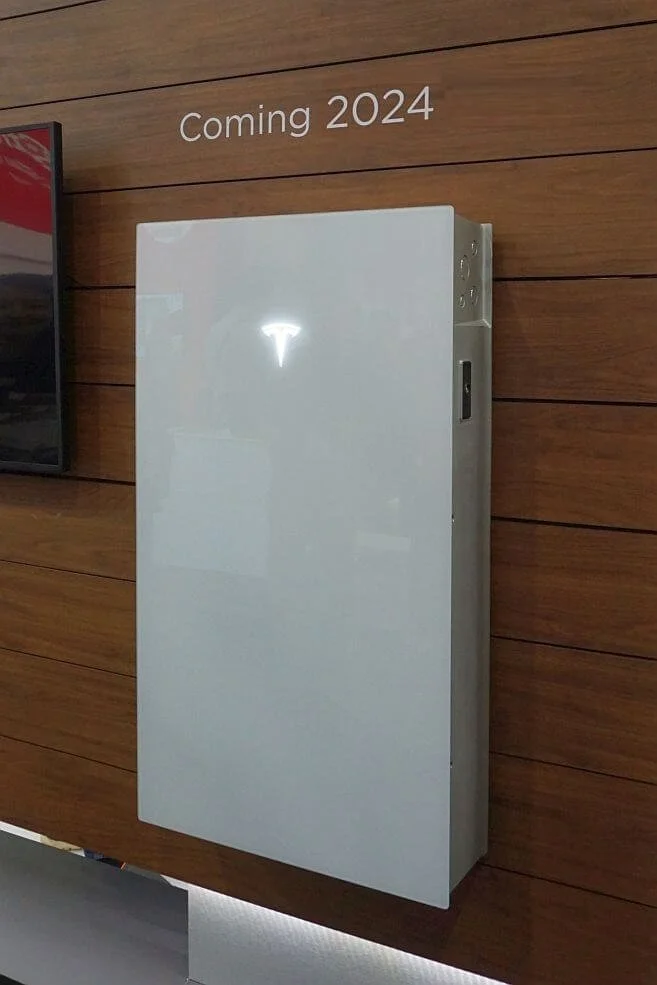
Tesla Powerwall 3
£8,50013.5
13.5
LFP
4000
Affiliate link — we may earn a small commission at no extra cost to you
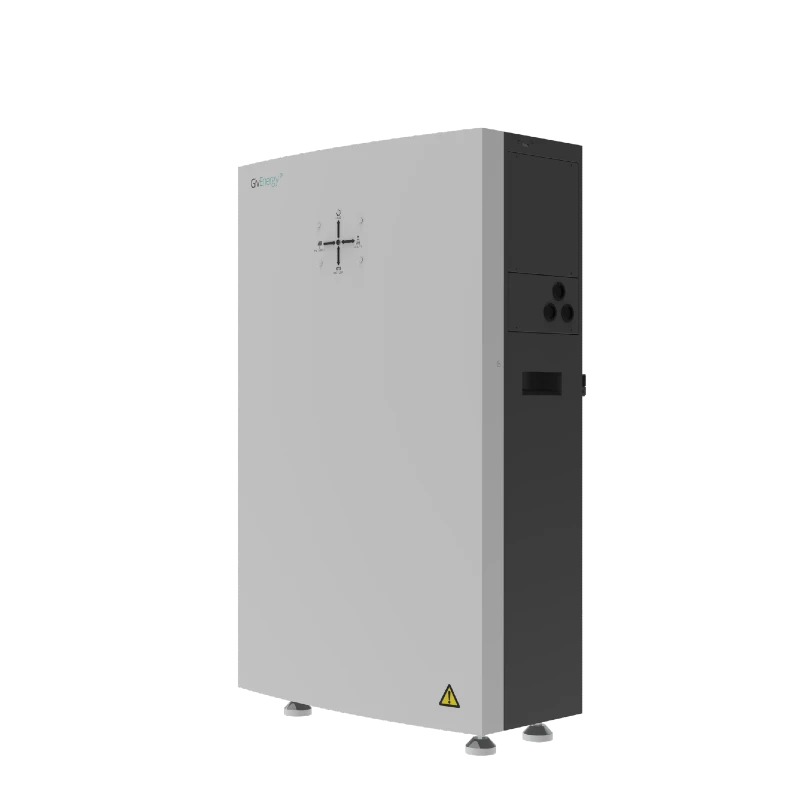
GivEnergy All-in-One 9.5kWh Battery
£5,5009.5
8.6
LFP
6000
Affiliate link — we may earn a small commission at no extra cost to you
Share this article

OVO has carefully selected trusted teams across the UK to install solar panels and heat pumps. Enjoy the personal touch of a local expert with the peace of mind of a household name.
Affiliate link — we may earn a small commission at no extra cost to you
Stay informed
Get free solar updates direct to your inbox
Related reading
Tesla Powerwall 3 UK Review: Specs, Costs, and How It Compares
Tesla Powerwall 3 review for UK homes. Integrated inverter, 13.5kWh capacity, Tesla app, costs, and honest comparison with GivEnergy and Fox ESS.
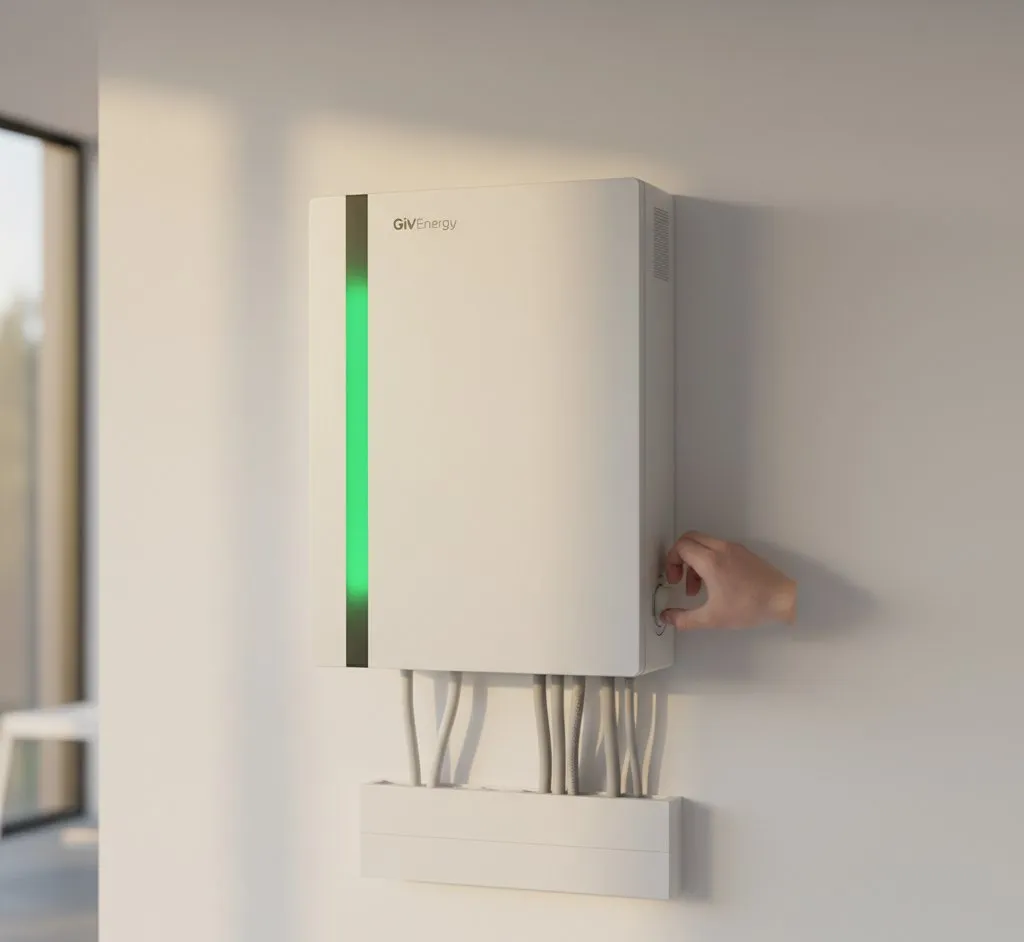
GivEnergy Inverter Review: The UK's Most Popular Choice
GivEnergy inverter review for UK homeowners in 2026. App quality, battery integration, smart features, reliability, and whether the premium is worth it.
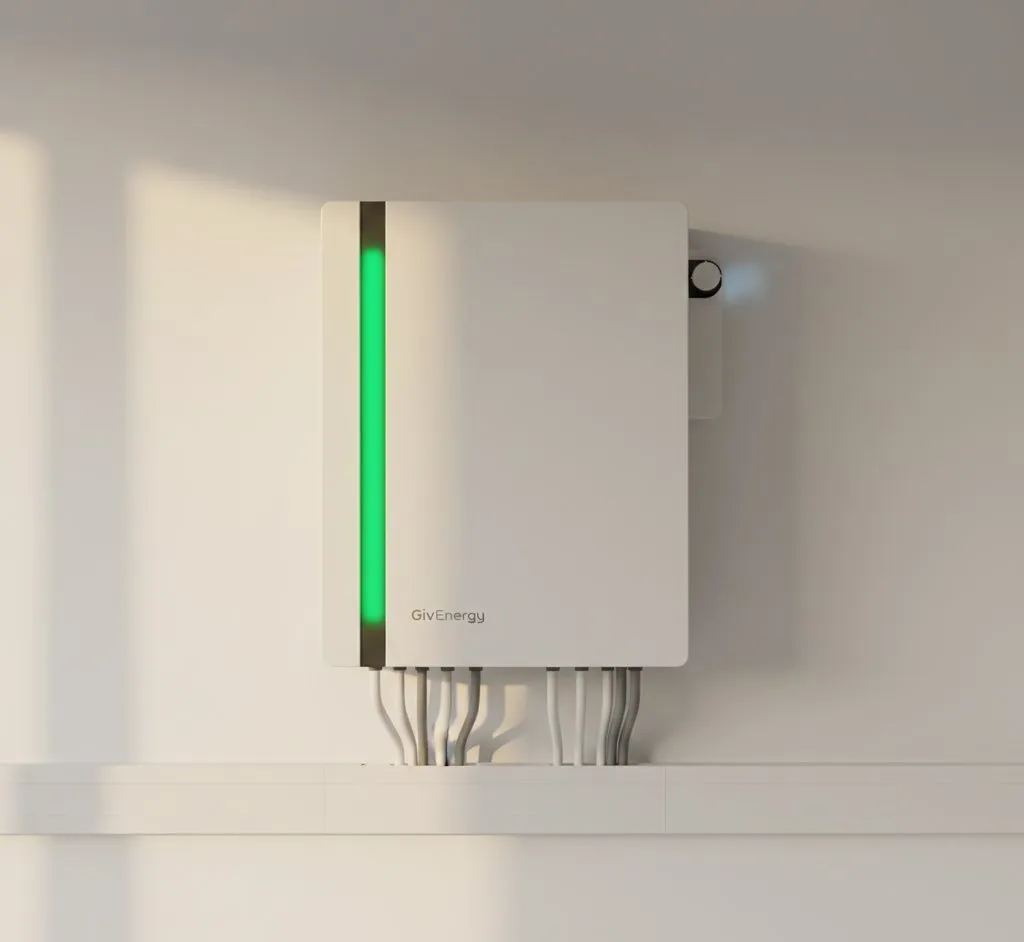
GivEnergy vs Tesla Powerwall: Battery Comparison
GivEnergy vs Tesla Powerwall 3 compared for UK homes. Capacity, price, features, app quality, and real-world performance from actual owners.


Switch to Octopus Energy
Get 50 credit when you switch. We get 50 too — win-win.
What does this mean for YOUR home?
Design your perfect solar setup in under 3 minutes. Free, no sign-up required.
Build Your Solar System