This page contains affiliate links. If you purchase through them we may earn a small commission at no extra cost to you. Learn more
Solar Generation Meters: What They Show and Why It Matters
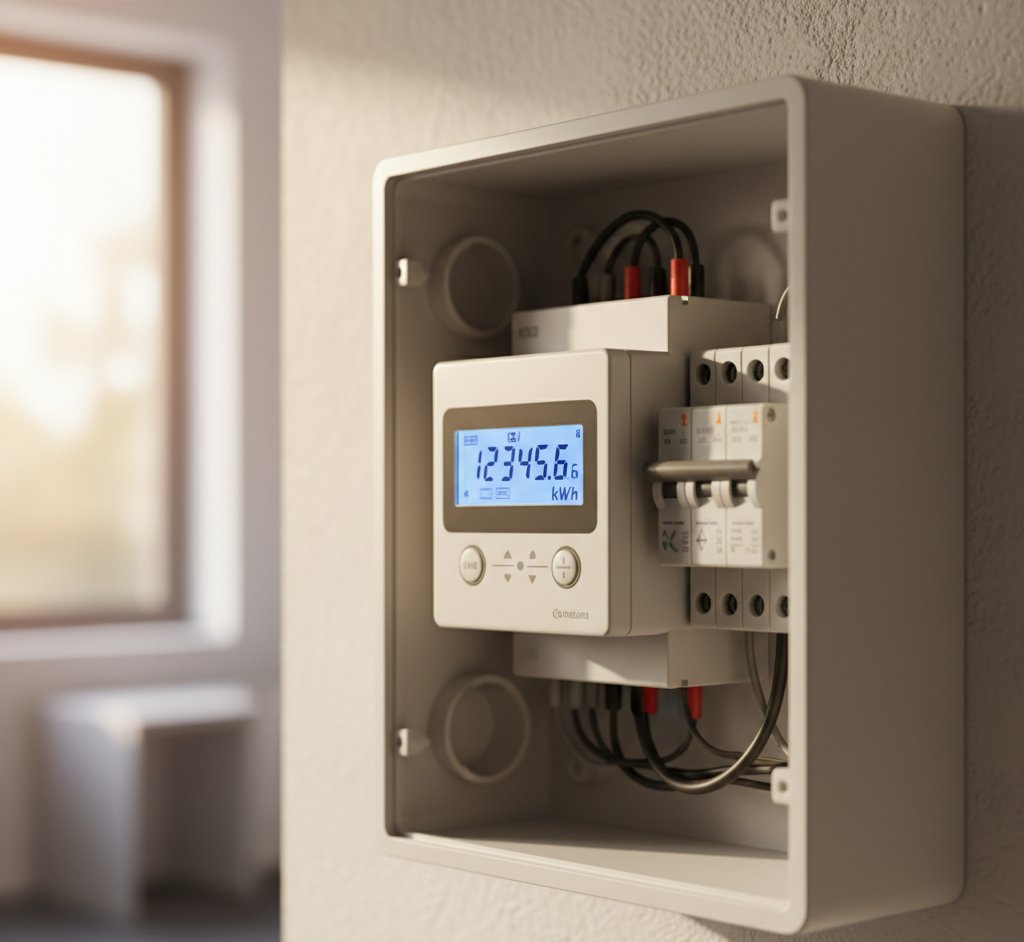
Your solar system comes with at least one meter that tracks how much electricity it produces. Understanding what generation meters show — and how they differ from export meters — helps you monitor performance, claim payments, and spot problems early.
What Is a Generation Meter?
A generation meter measures the total electrical output of your solar panel system — every kWh produced, whether you use it in your home or export it to the grid. It sits between the inverter output and your consumer unit.
What it shows: Cumulative total generation (lifetime kWh) and often instantaneous power output (current watts).
Why it matters:
- Confirms your system is performing as expected
- Provides data for any generation-based payment schemes (legacy Feed-in Tariff)
- Helps you identify problems — a sudden drop in generation indicates a fault
Types of Generation Meter
MCS Meter (Required for MCS Certification)
As part of MCS certification, your installer must fit a generation meter that meets the MCS standards. This is a physical meter installed near your consumer unit or inverter.
Inverter Display
Most modern inverters include a built-in display and/or an app that shows generation data in real-time. This is convenient for daily monitoring but isn't a substitute for the official MCS meter for payment purposes.
Smart Generation Meter
Some energy suppliers are now offering smart meters that track generation alongside consumption. These can send data automatically to your supplier, simplifying SEG payments.
Set Up Your Monitoring App
Most inverter manufacturers (GivEnergy, SolarEdge, Enphase, Solis, Fox ESS, Growatt) offer free monitoring apps. Set this up during or immediately after installation. The app gives you real-time and historical data, plus alerts if something goes wrong. It's the single most useful tool for understanding your system's performance.
Generation Meter vs Export Meter
These measure different things:
| Meter | What It Measures | Location |
|---|---|---|
| Generation meter | Total electricity produced by your panels | Between inverter and consumer unit |
| Export meter | Electricity sent back to the grid (surplus you didn't use) | At the grid connection point |
| Import meter | Electricity drawn from the grid (your normal supply meter) | At the grid connection point |
Generation = Self-consumption + Export
If your system generates 3,600kWh per year and you use 2,000kWh directly, you export 1,600kWh.
Do You Have an Export Meter?
This depends on your setup:
Smart Meter
If you have a SMETS2 smart meter (second generation), it can measure both import and export. Most energy suppliers can use this data for SEG payments, meaning you don't need a separate export meter.
Traditional Meter
If you have an older (non-smart) electricity meter, it may not measure export. In this case, your SEG payments will be based on "deemed export" — an assumed percentage (typically 50%) of your generation, regardless of actual export.
Separate Export Meter
Some installations (particularly those on the legacy Feed-in Tariff) have a dedicated export meter fitted alongside the generation meter. This measures actual export precisely.
Deemed vs Metered Export
The distinction matters financially:
Deemed export: Your supplier assumes you export a fixed percentage (usually 50%) of what you generate. If you generate 3,600kWh, you're paid for 1,800kWh of export regardless of actual export.
Metered export: You're paid for exactly what you export, measured by a smart meter or export meter.
Which is better depends on your consumption pattern:
- If you use most solar electricity directly (high self-consumption), deemed export overpays you — you might only export 30% but get paid for 50%
- If you export a lot (low self-consumption, perhaps away during the day), metered export might pay more
See our detailed guide: Deemed vs Metered Export
Smart Meter Compatibility
Not all smart meters work correctly with solar panel systems. First-generation SMETS1 meters sometimes fail to record export properly. If you have a SMETS1 meter, ask your energy supplier about upgrading to SMETS2 before relying on it for export measurements.

Reading Your Generation Meter
A typical generation meter display shows:
- Cumulative total (kWh): The lifetime total electricity generated since installation. This number only ever goes up.
- Current power (W or kW): The real-time output at this moment. Varies throughout the day with sunlight levels.
What to Look For
Daily check: Glance at current power output. On a sunny day in summer, a 4kW system should show 2.5–3.5kW during midday hours. If it's showing significantly less, investigate.
Monthly check: Note the cumulative total on the same date each month. Compare against expected monthly generation for your system size and location. A shortfall of more than 15–20% from expected values may indicate a problem.
Annual check: Compare total annual generation against your installer's projection. A well-designed system should come within 10% of projections over a full year (individual months can vary more due to weather).
Monitoring Problems
Your generation data can reveal issues:
| Observation | Possible Cause |
|---|---|
| Sudden drop to zero | Inverter fault, tripped circuit breaker, or system shutdown |
| Gradual decline over months | Panel soiling, new shading (tree growth), or panel degradation |
| Lower than expected from day one | Shading not accounted for, incorrect system design, or faulty panel |
| Intermittent drops | Loose connection, optimiser fault, or partial shading |
If you notice any of these patterns, contact your installer for investigation.
For reliable monitoring alongside your generation meter, these inverter systems offer excellent app-based tracking:
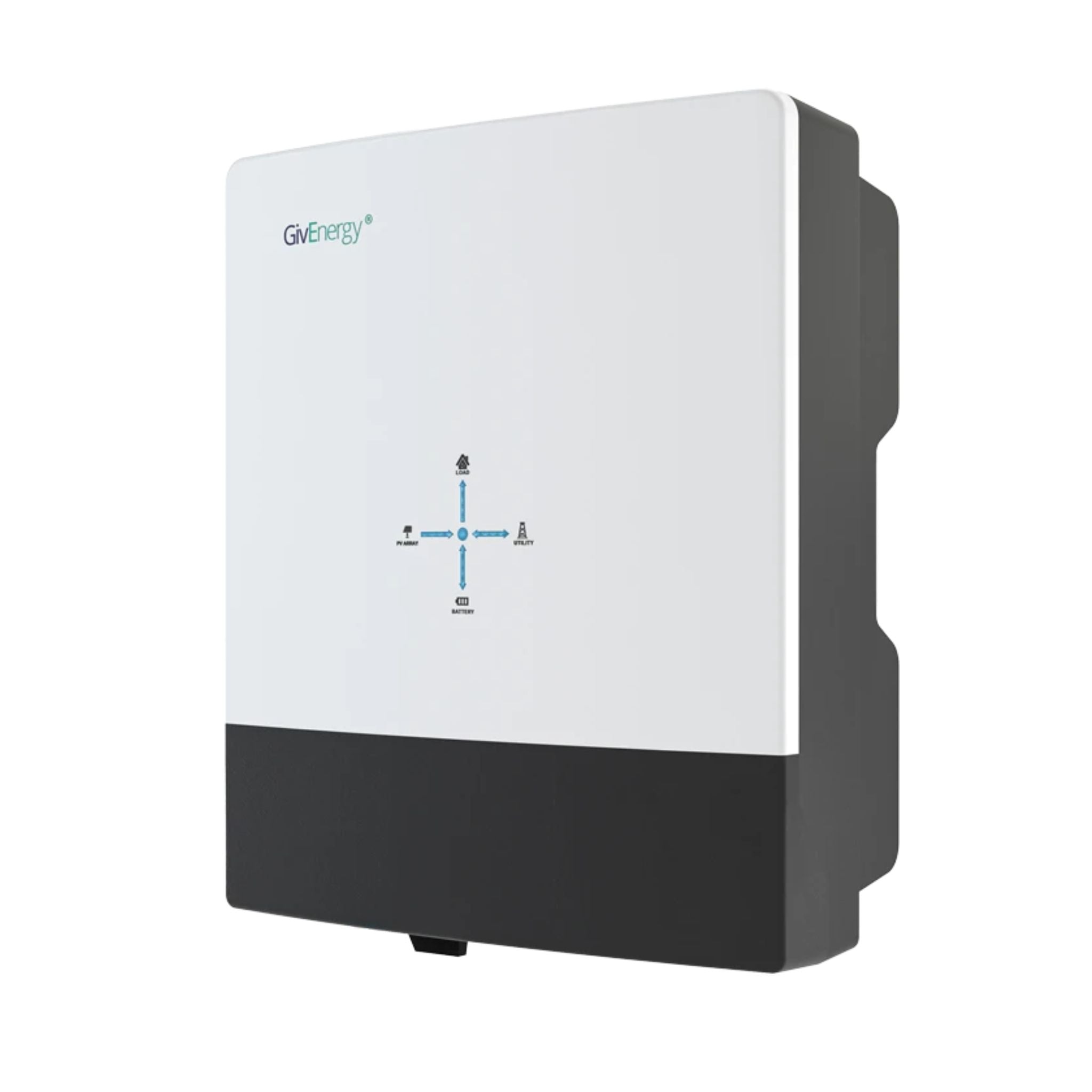
GivEnergy All-in-One 5kW Hybrid Inverter
£1,2005
7.5
2
48V
Affiliate link — we may earn a small commission at no extra cost to you
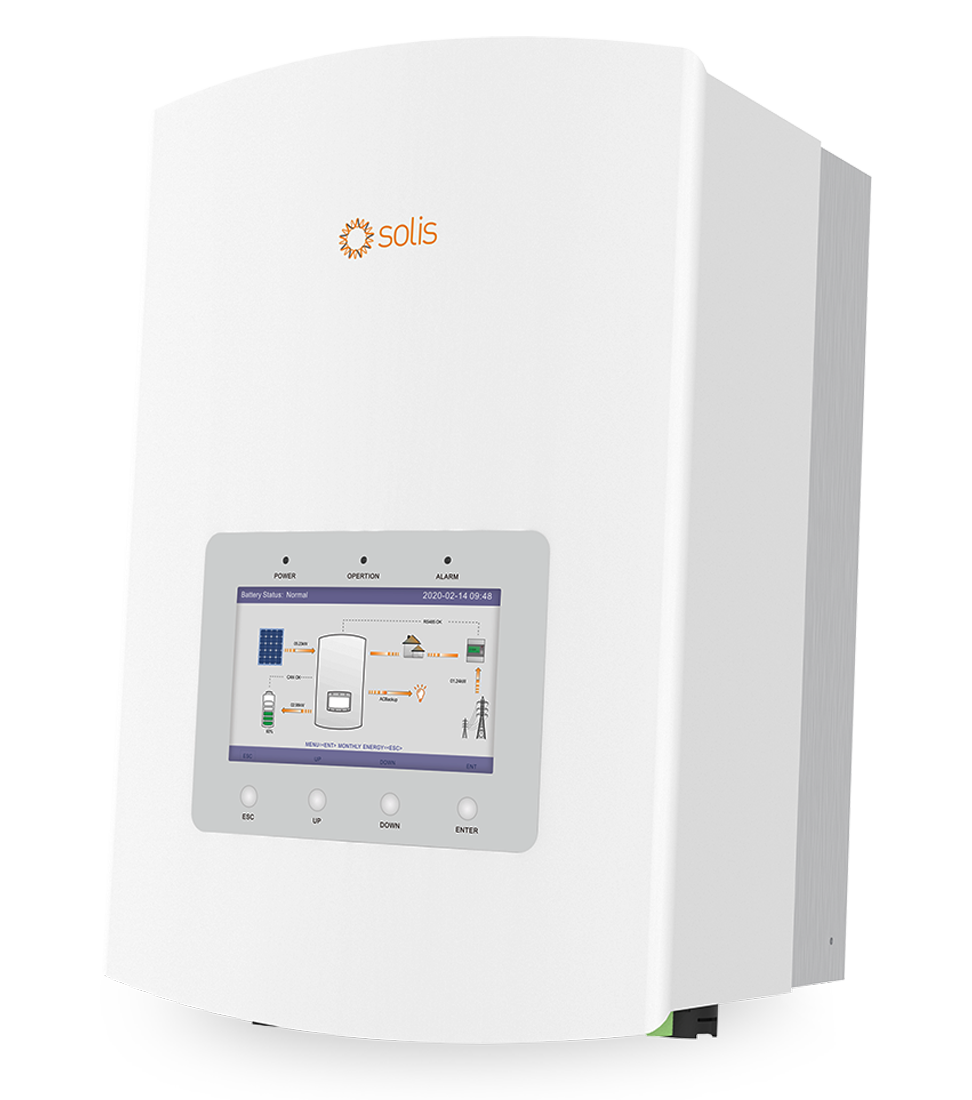
Solis RHI-5K-48ES-5G Hybrid Inverter 5kW
£9505
7.5
2
48V
Affiliate link — we may earn a small commission at no extra cost to you
Generation Data for Payments
Smart Export Guarantee (SEG)
You need an MCS-certified installation and either a smart meter or deemed export arrangement. Your supplier uses generation and/or export data to calculate payments.
Legacy Feed-in Tariff
If you're on the old FIT scheme, you submit quarterly generation meter readings to your FIT licensee. They pay you per kWh generated (generation tariff) plus per kWh exported (export tariff).
Share this article

OVO has carefully selected trusted teams across the UK to install solar panels and heat pumps. Enjoy the personal touch of a local expert with the peace of mind of a household name.
Affiliate link — we may earn a small commission at no extra cost to you
Stay informed
Get free solar updates direct to your inbox
Related reading
How Much Electricity Do Solar Panels Generate in the UK?
Real kWh figures for UK solar systems by size, region, and orientation — including seasonal variation, the effect of roof angle, and why real-world output differs from the spec sheet.

Feed-in Tariff (FIT): Legacy Scheme Explained
The Feed-in Tariff closed to new applicants in 2019 but existing recipients still benefit. How FIT works, what it pays, and what happens when it ends.
Deemed vs Metered Export: Which Pays More?
Should you use deemed or metered export for solar panel payments? How each works, which pays more in different scenarios, and how to choose.


Switch to Octopus Energy
Get 50 credit when you switch. We get 50 too — win-win.
What does this mean for YOUR home?
Design your perfect solar setup in under 3 minutes. Free, no sign-up required.
Build Your Solar System